AI home design tools, from one photo
Rooms, kitchens, gardens and house fronts: pick the tool that matches what you want to change, then try it on a photo of your own space.

Free to download. Your first 2 makeovers are free. Illustrative AI designs, not construction plans.
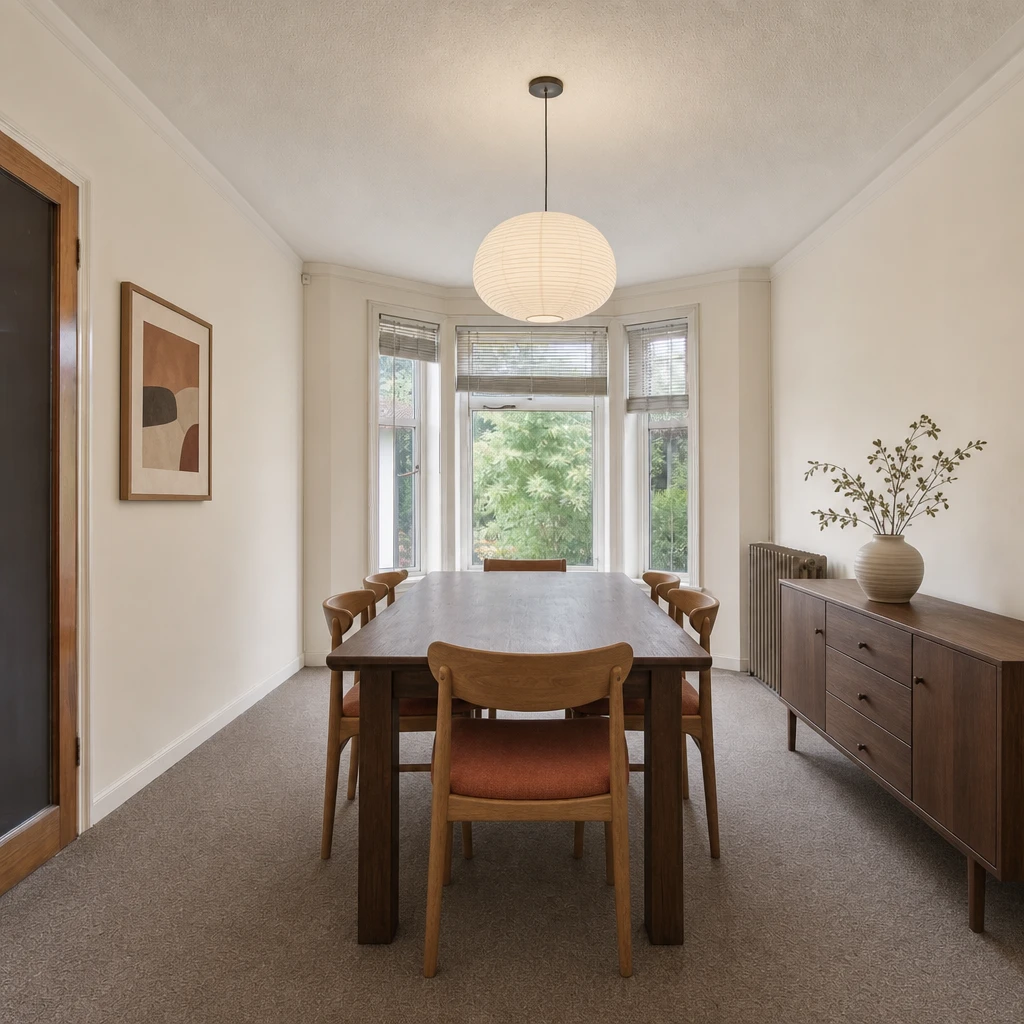 BeforeAfter
Which tool should you start with?
They all work the same way: a photo, a direction and an illustrative result to compare. The difference is what you want to change.
- See a whole room differently. Start with AI room design, or read the AI interior design app overview.
- Move the furniture. An AI room planner tries other layouts on your photo.
- Choose finishes. A room visualizer previews floors, walls and paint, and AI kitchen design does the same for cabinets and worktops.
- Style and decorate. An AI room decorator and AI bedroom design are about mood, color and the finishing touches.
- Go outside. AI garden design and exterior house design work on gardens, balconies and house fronts.
- Present a property. Virtual staging AI covers clearing and furnishing concepts for agents and owners.
- Understand the options. See how a room design generator works, and what AI interior design free means in practice.
What they have in common.
Every tool starts from a photo of your own space and creates an illustrative AI design, not a plan or a quote. The photos and instructions needed for each design are sent securely to our AI provider; the privacy policy explains how. Omriss is available for Android on Google Play.
Looking for inspiration first? Browse home and garden design ideas.
All AI home design tools
Looking for something else? Browse home and garden design ideas.
Start with one photo.
Install Omriss on Android and pick the tool that fits what you want to change.