
01
Photograph the kitchen.
Stand where you can see the cabinets, worktop and floor together. Clear the counters a little first, so the finishes are easy to see.
Photograph your kitchen and try new cabinet colors, worktops, backsplashes and floors, then compare the result with your kitchen today.
Free to download. Your first 2 makeovers are free. Illustrative AI designs, not construction plans.
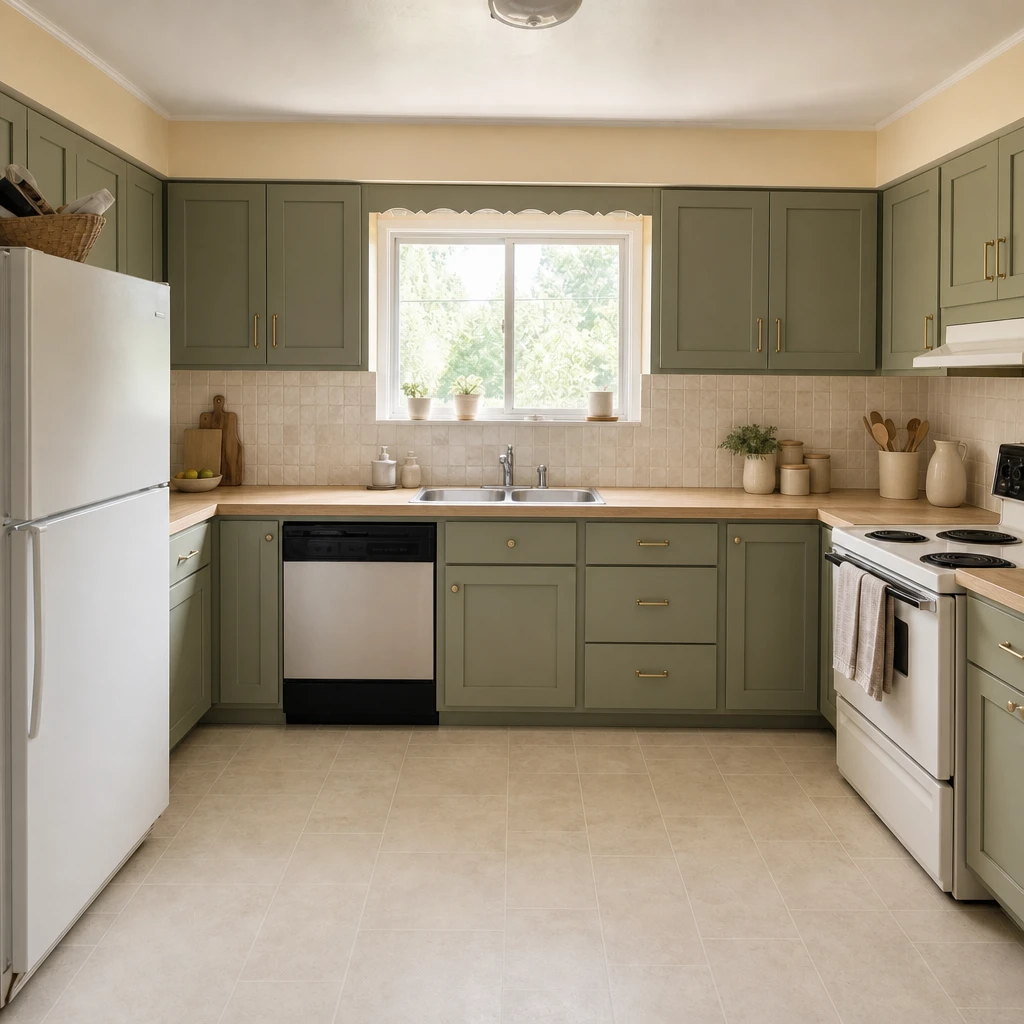 BeforeAfter
Stand where you can see the cabinets, worktop and floor together. Clear the counters a little first, so the finishes are easy to see.
In Remodel, choose cabinets, countertop, backsplash, floor and more. Start with a color for the cabinets, or try a full set of materials.
Set the level: Refresh keeps the layout, Renovate can rebuild fitted pieces in place, and Full remodel lets the layout change.
A kitchen is a stack of linked choices: cabinet color, worktop, backsplash, floor, handles. They have to work together, and they are costly to change once they are in. Seeing them together first is the cheapest way to find out what you like.
Omriss lets you change one surface or several, so you can test a single idea (green cabinets) or a whole direction (green cabinets, an oak-look worktop and stone-look tiles).
Remodel treats the kitchen as a list of surfaces. You choose which ones to change and leave the rest as they are.
Not every kitchen needs a full renovation. The level you pick tells the AI how far the room may change:
A generated kitchen is a good thing to show a kitchen fitter, a partner or a painter. It communicates colors and mood in a way a list of product names cannot.
It is not a design drawing. The AI does not know your measurements, plumbing or where the services run, so appliances, worktop heights and clearances need a professional’s eye. For what usually moves a budget, read kitchen remodel cost, and for more directions see kitchen redesign ideas.
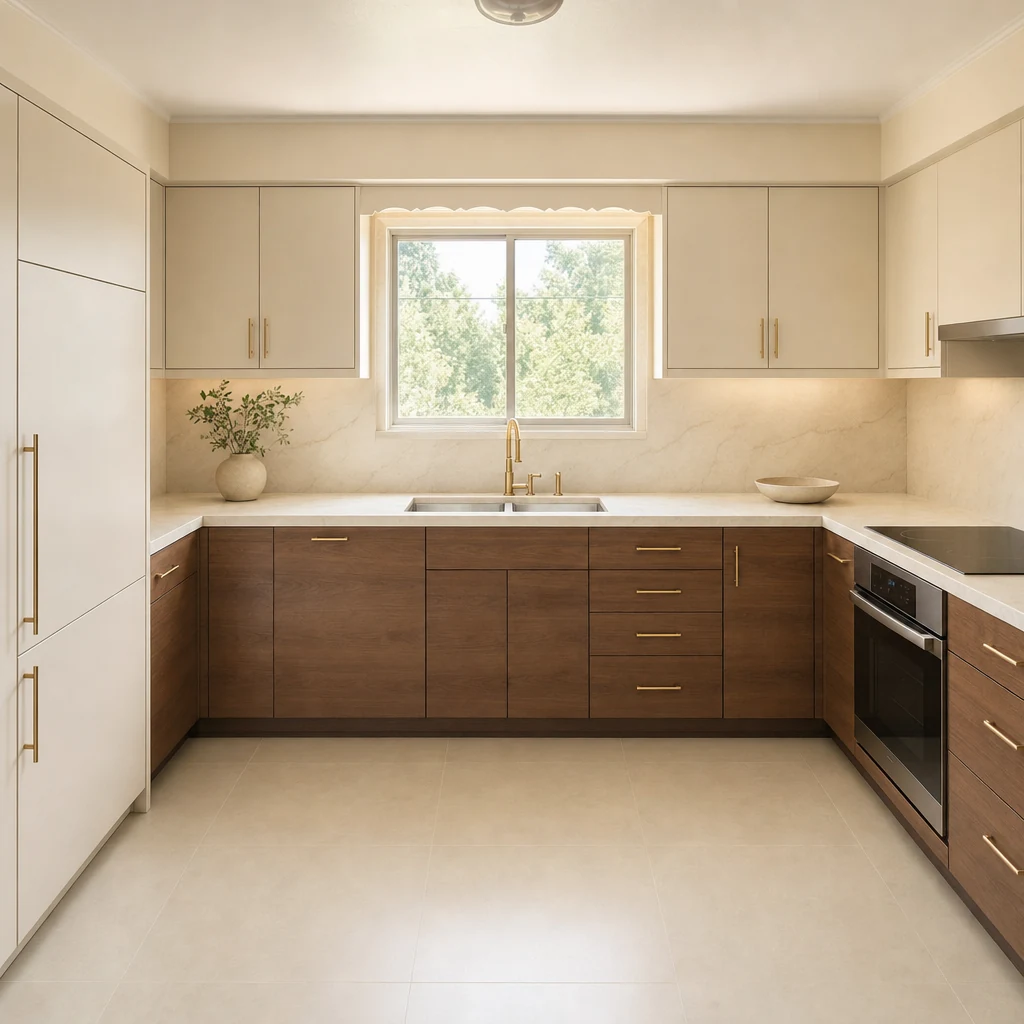
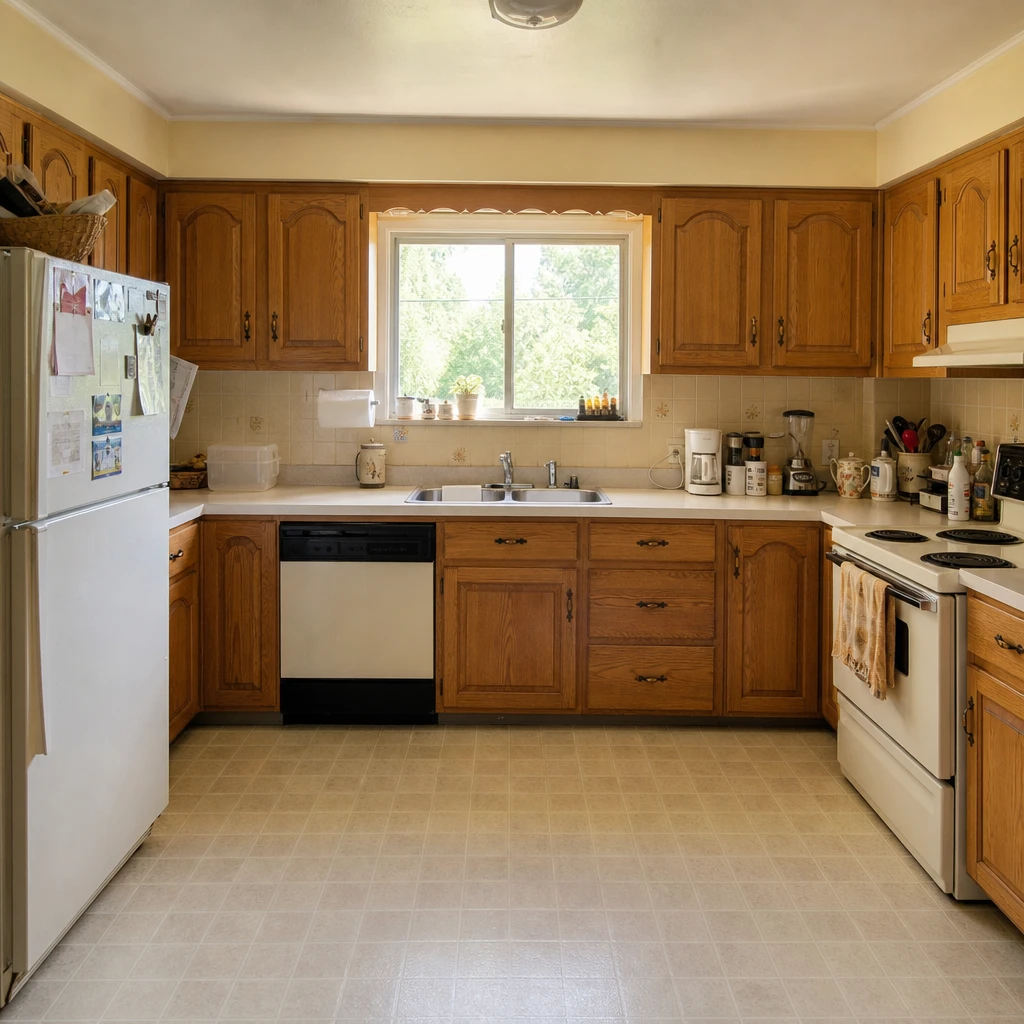
The hero shows sage and oak. Here is the same starting photo taken somewhere else: warm ivory upper cabinets, walnut base cabinets and brass details.
Photograph your kitchen and compare a few finishes in minutes. Free to download. Your first 2 makeovers are free.
It can create an illustrative image of your kitchen with new finishes, such as cabinet colors, worktops, backsplashes and floors. It is a picture of an idea for talking and deciding, not a technical drawing.
Yes. Cabinets can be painted, wood or other finishes, and the toolkit includes named paint colors from brands such as Farrow & Ball and Sherwin-Williams. Always test a real sample before you buy paint.
You decide. Refresh keeps the same footprint and layout, Renovate can rebuild fitted pieces in place, and Full remodel lets the layout change. Generated images can still shift details, so check any layout against real measurements.
No. Omriss creates visual concepts and does not estimate costs. Kitchen remodel cost explains what usually drives a budget, so you can brief a contractor.
Free to download. Your first 2 makeovers are free. After that, you can keep going for free by watching ads.
Open Omriss on Android, photograph your kitchen and see what new finishes could do.
The photos you choose are sent securely for AI processing to create each design. See the privacy policy for details.