
01
Show the room as it is.
Take a photo that shows the walls, the main furniture and the light. Decoration is about details, so a clear photo helps.
Photograph a room and try colors, furniture, plants and accessories until it feels finished. Keep what you like and swap what you do not.
Free to download. Your first 2 makeovers are free. Illustrative AI designs, not construction plans.
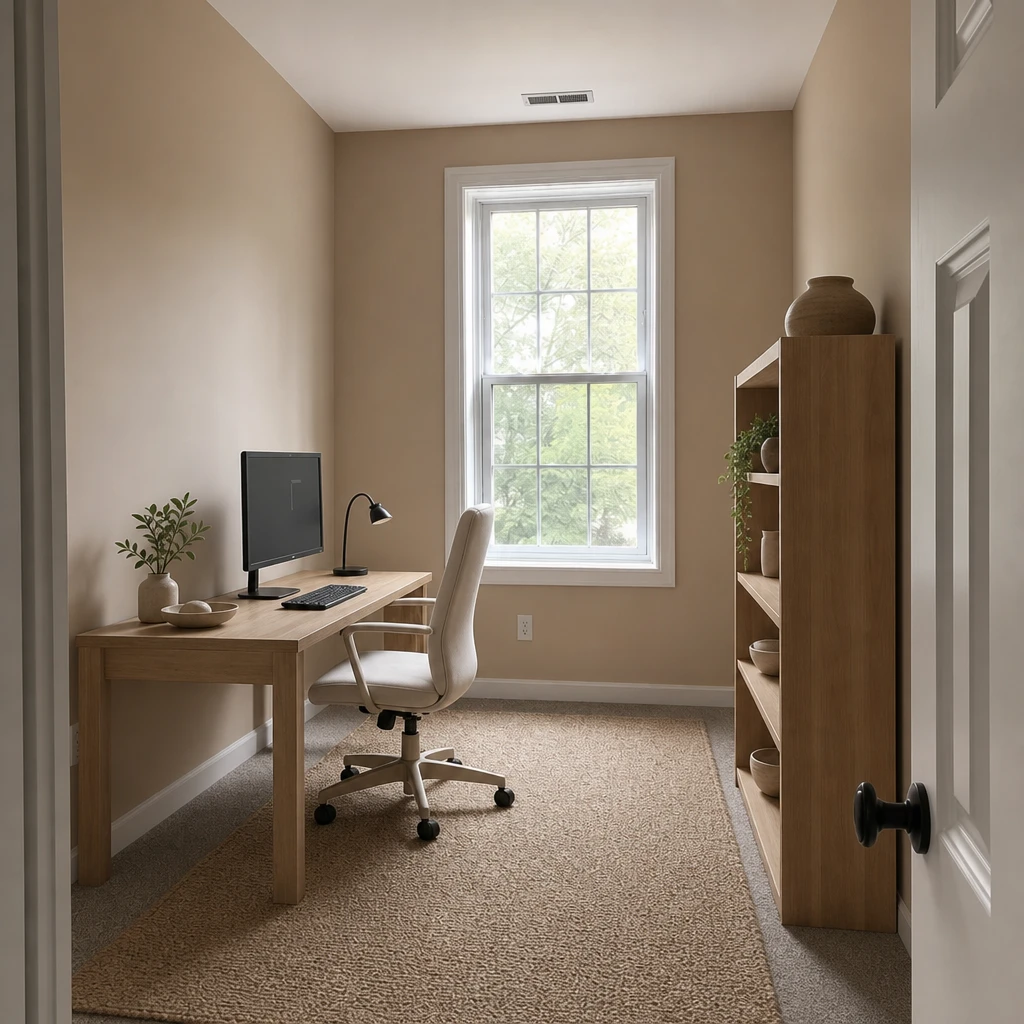 BeforeAfter
Take a photo that shows the walls, the main furniture and the light. Decoration is about details, so a clear photo helps.
Pick a style and a palette, or bring a mood board and choose what to borrow from it: colors, materials, furniture, lighting or decor.
Use Remove & Replace to take out one piece or swap it for something you describe, then compare the room with the original.
Furniture and finishes make a room work. Decoration makes it feel like yours: the lamp, the rug, the plants on the shelf, the art you chose. It is also the part that is hardest to imagine from a catalogue, because pieces only make sense next to each other.
An AI room decorator puts the pieces together in your own room, so you can judge the whole before you buy any of the parts.
Four things carry most of a decorated room. Settle these and the small choices get easier.
If you already have images you love, bring them. A mood board lets you choose what Omriss borrows from them: colors, materials, furniture, lighting or decor. That keeps the result close to your taste instead of a generic style.
You can also start from ready-made directions such as Warm oak, Plaster & linen, Green retreat or Gallery corner.
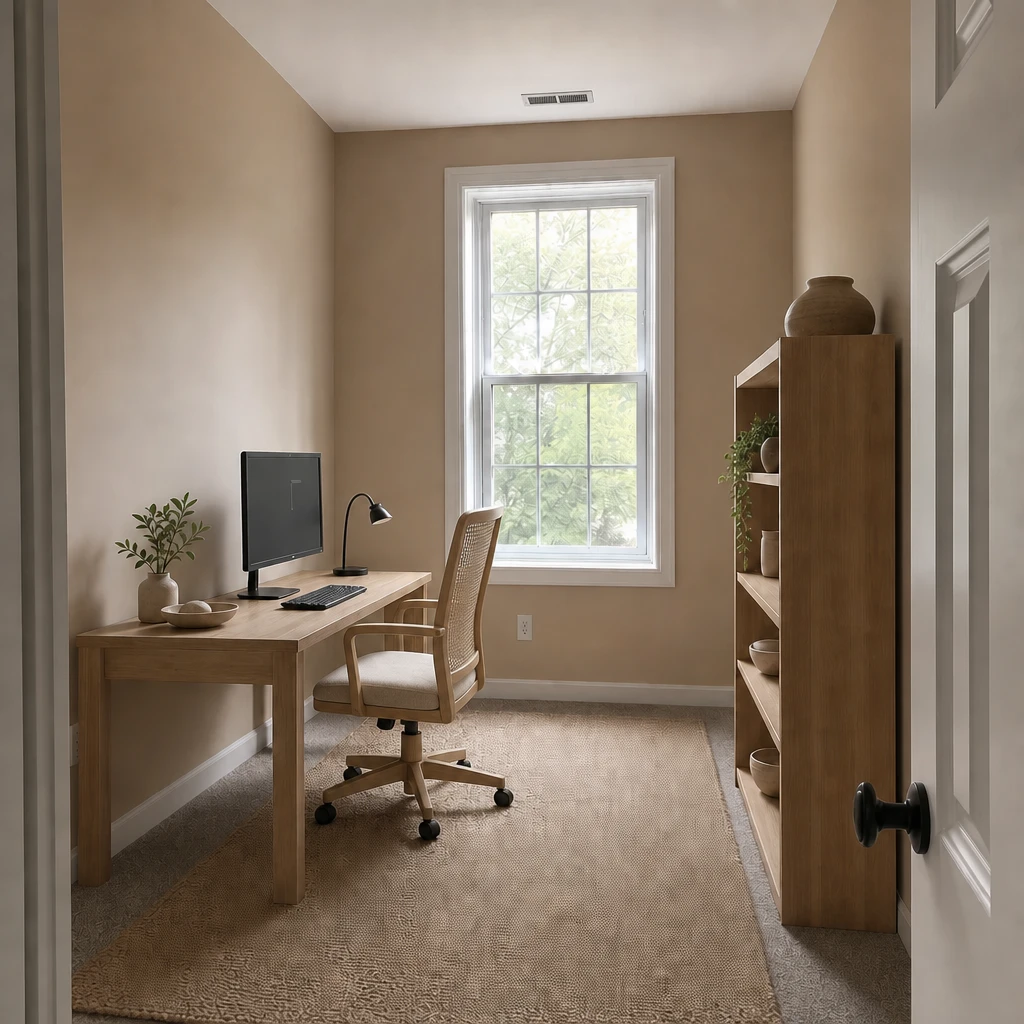
Remove & Replace works at the level of a single item. Tap an object or brush over an area, then remove it or describe what should take its place: a round oak coffee table, a paper floor lamp, a jute rug. The first example below swaps the desk chair and leaves the rest of the room alone.
AI room decoration works best as a series of small tests: change one thing, look properly, then decide. That is often more useful than redoing everything at once.
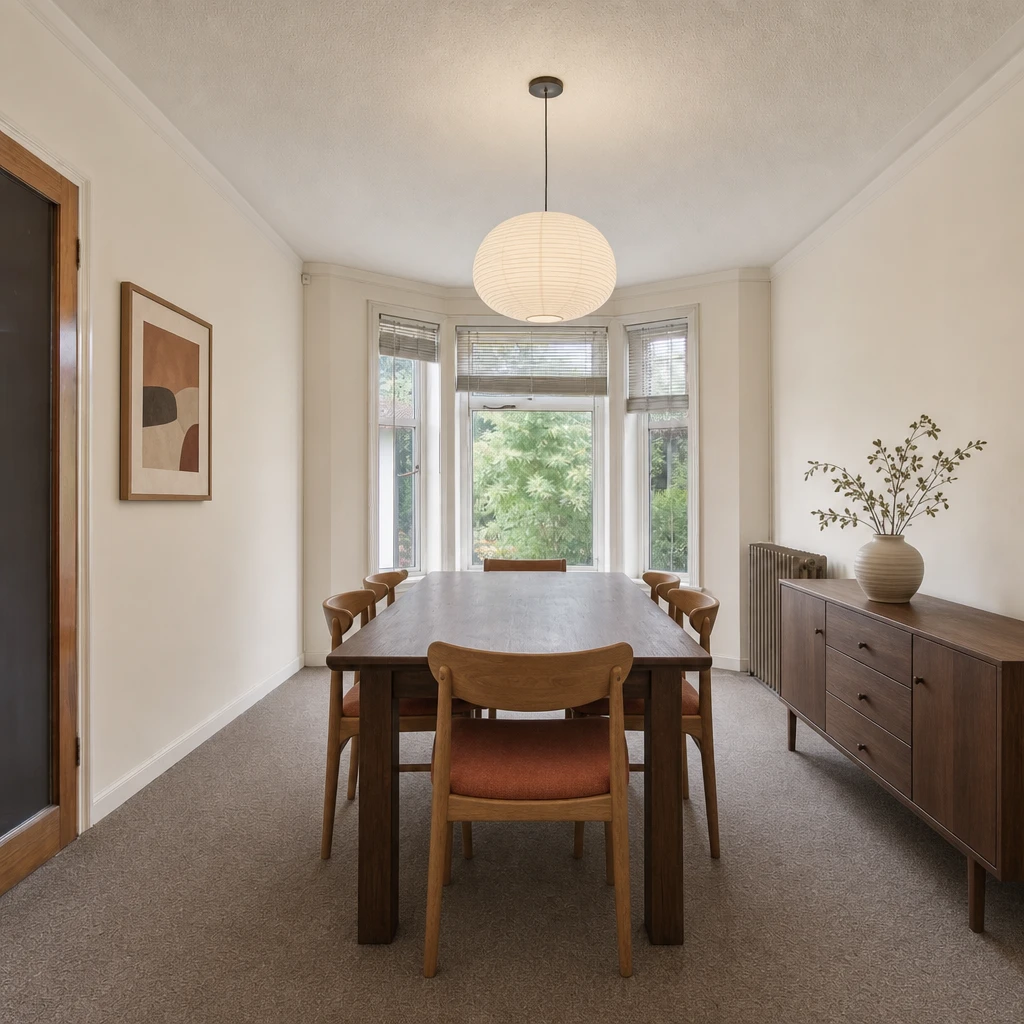
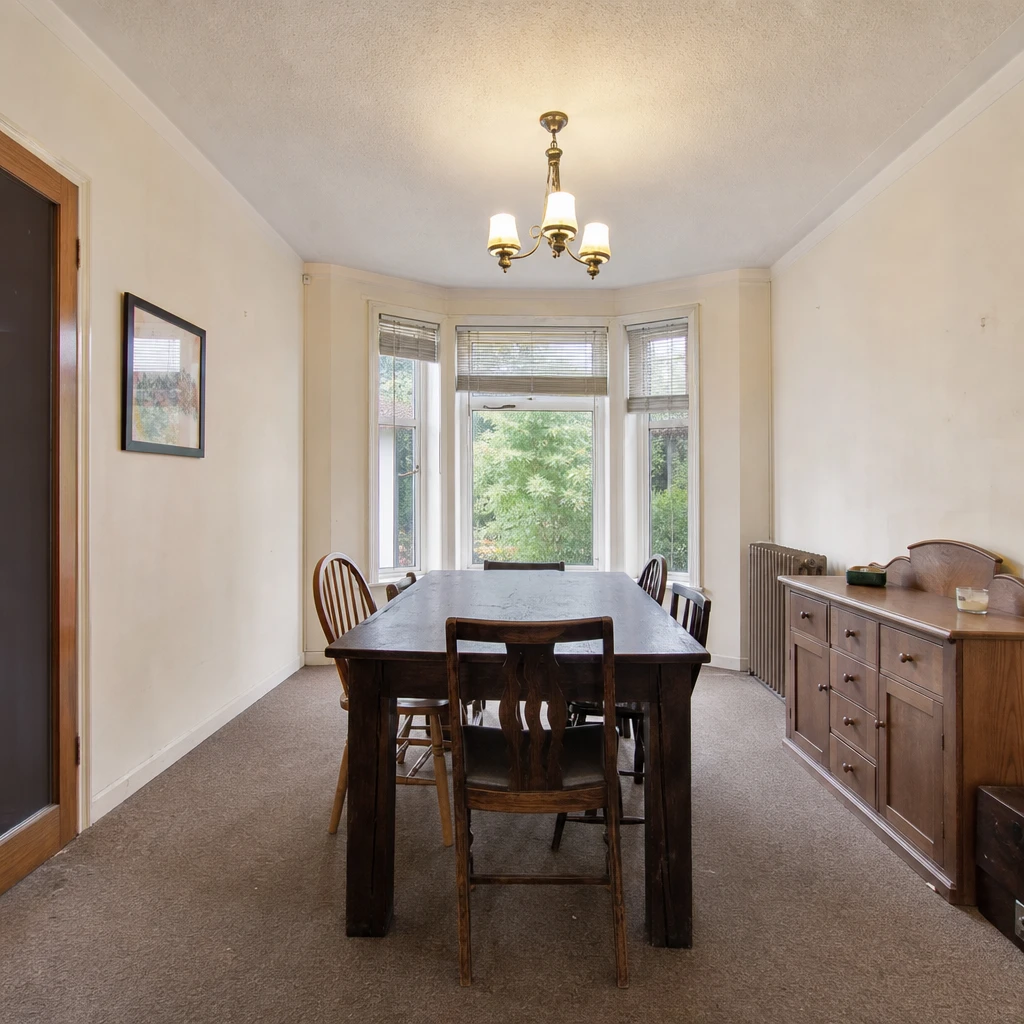
One chair replaced, and a dining room restyled with lighting, a vase and art. Slide to compare.
Try a palette, a lamp or a rug on a photo of your own room. Free to download. Your first 2 makeovers are free.
It shows how a room could look with different colors, furniture, plants and accessories, using AI on a photo of your own room. In Omriss you choose a style, a palette or a mood board, and the app creates an illustrative image to compare with the original.
Remove & Replace changes only the item you select, so you can leave everything else alone. For a bigger restyle, add a note about what matters to you. Generated images can shift details, so compare them with your real room.
Omriss creates illustrative designs, so a piece in the image may not match a real product. Use the result to find a direction, then shop for the pieces yourself.
Free to download. Your first 2 makeovers are free. After that, you can keep going for free by watching ads.
Yes. Omriss also covers gardens, terraces and balconies, with plants, seating, lighting and more. See AI garden design.
Photograph a room on Android and try the details before you buy a thing.
The photos you choose are sent securely for AI processing to create each design. See the privacy policy for details.