
01
Photograph the room.
Take a straight-on photo with the wall or floor you are considering in clear view. Even daylight shows materials best.
See new floors, wall finishes and colors in your own room before you change a thing.
Free to download. Your first 2 makeovers are free. Illustrative AI designs, not construction plans.
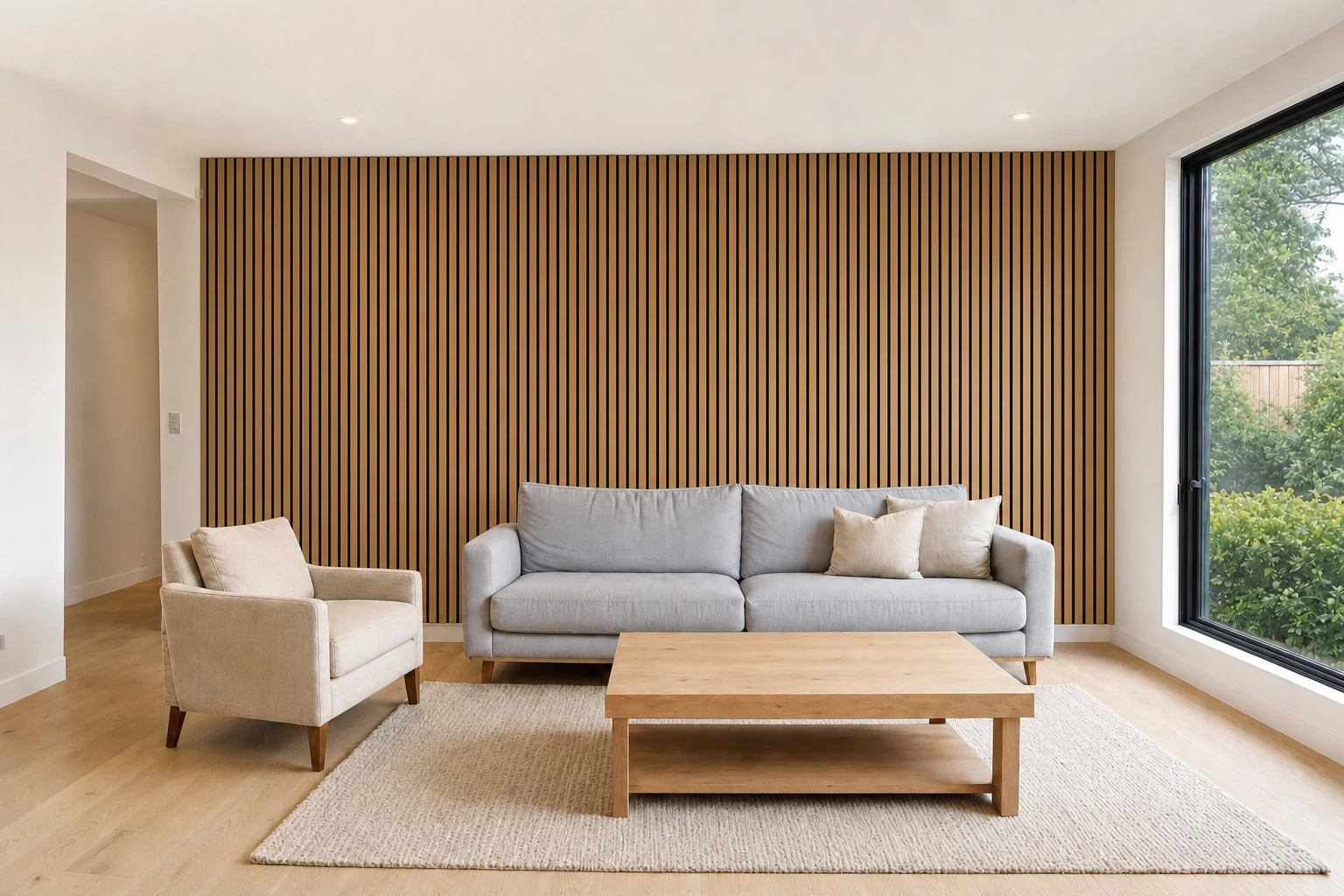 BeforeAfter
Take a straight-on photo with the wall or floor you are considering in clear view. Even daylight shows materials best.
Choose floors, walls, ceilings, kitchen cabinets, tiles and more in Remodel, then a material or a named paint color.
Slide between your photo and the preview. Try a second material, or decide to keep the room as it is.
Samples can mislead. A small tile in a shop, a paint swatch under different light, a wood sample the size of a coaster: none of them shows how a material behaves across a whole wall or floor in your own light. A room visualizer puts the material in the room.
It will not match a physical sample exactly, and you should always check one in your own light before ordering. But it answers a more important question first: do I want this direction at all?
Omriss includes catalogs of finishes, with photos of each:
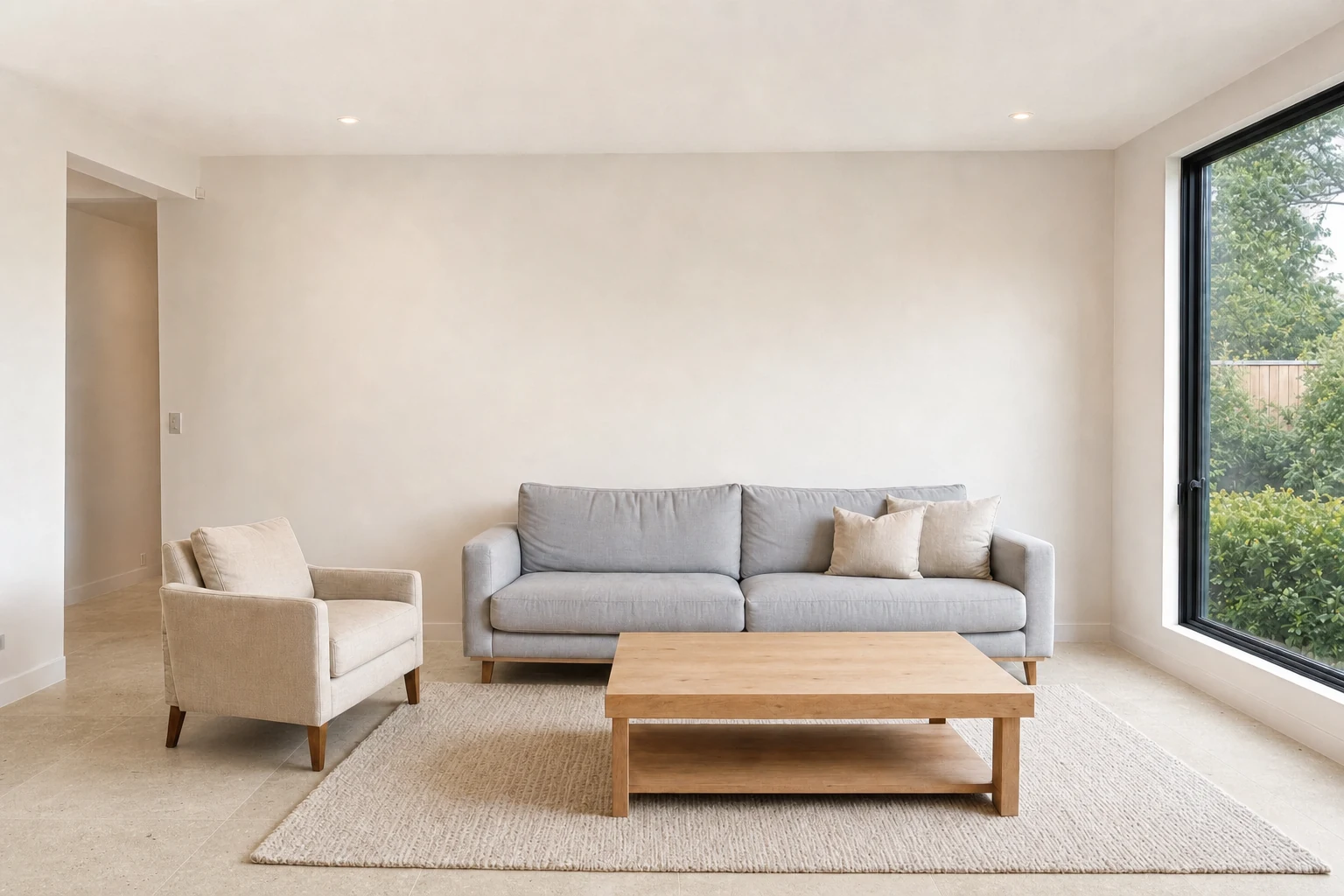
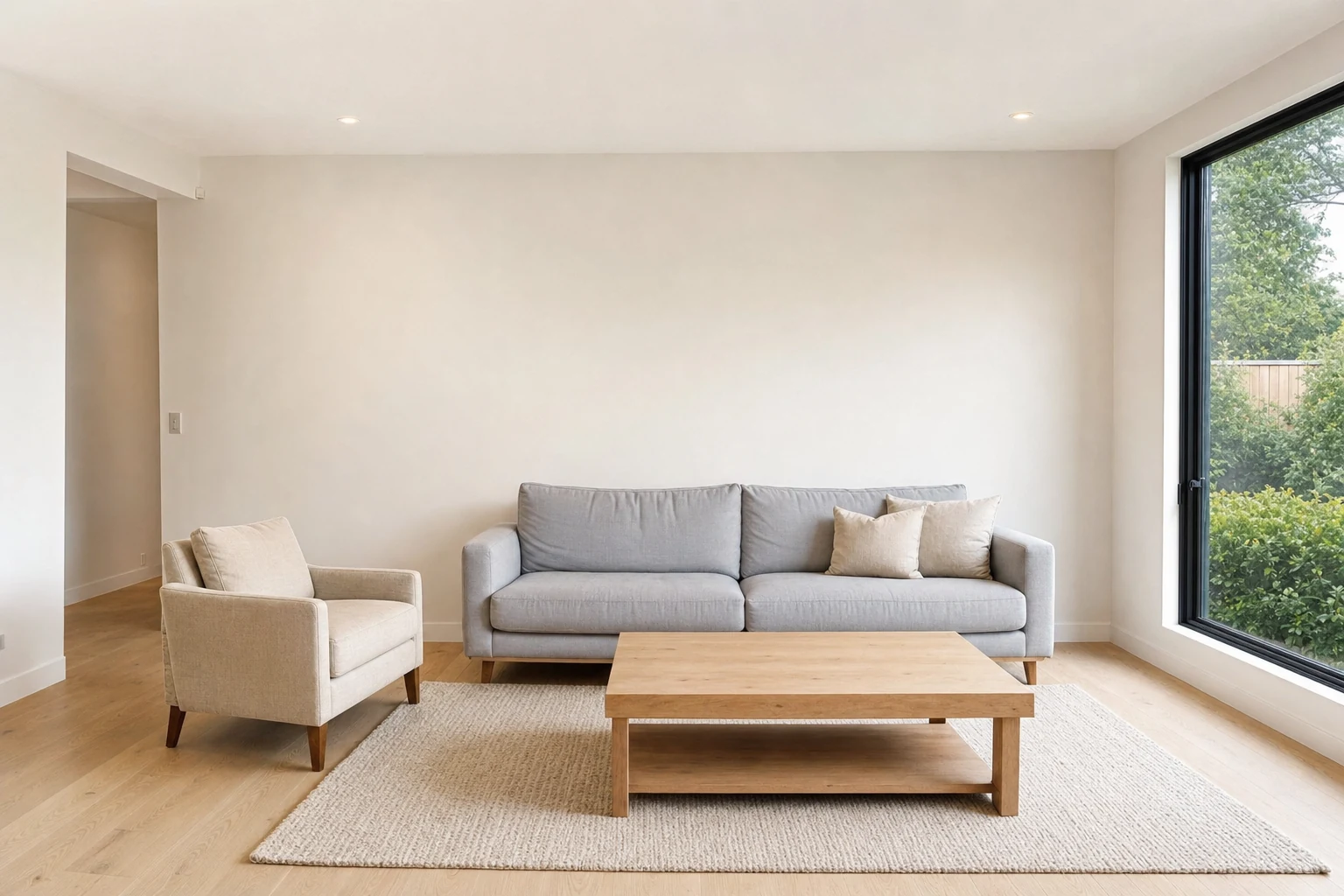
Change one thing and look at it properly. The hero changes only the wall, and the example below changes only the floor, from oak boards to a pale stone-look tile. Subtle changes like this are easy to miss in a shop and obvious in a picture.
When you want the bigger picture, stack several changes in one go and compare the whole room with the original.
Kitchens and bathrooms get their own lists of surfaces: cabinets, countertop and backsplash in the kitchen; floor tiles, wall tiles, vanity, taps and mirror in the bathroom. For houses, the exterior tools preview roof, windows, siding, doors and porch finishes. See AI exterior house design for the outside and AI kitchen design for the kitchen.
Same photo, same furniture, same light. Slide to see oak boards replaced by a pale stone-look floor.
Photograph a room and preview a floor, a wall or a color. Free to download. Your first 2 makeovers are free.
A tool that shows how a room could look with different finishes, furniture or colors. Omriss does this from a photo of your own room using AI, so the preview is built from your walls, your floor and your light.
No. It is an illustrative AI image. Colors on a screen vary by display, and generated results can differ from real materials, so check a physical sample in your room.
Yes. The toolkit includes named paint colors, including shades from Farrow & Ball and Sherwin-Williams, and you can compare each with your original photo.
Yes. Kitchens have cabinets, countertops, backsplashes and floors; bathrooms have floor and wall tiles, vanities, taps and mirrors. See AI kitchen design.
Free to download. Your first 2 makeovers are free. After that, you can keep going for free by watching ads.
Open Omriss on Android and see a finish in the room it is meant for.
The photos you choose are sent securely for AI processing to create each design. See the privacy policy for details.