
01
Photograph the room.
Take a photo from the doorway or a corner so the whole room is in the frame, or choose one you already have. Good light helps.
Photograph a room, choose a style, and see an AI design of how it could look. Compare it with the original before you buy a thing.
Free to download. Your first 2 makeovers are free. Illustrative AI designs, not construction plans.
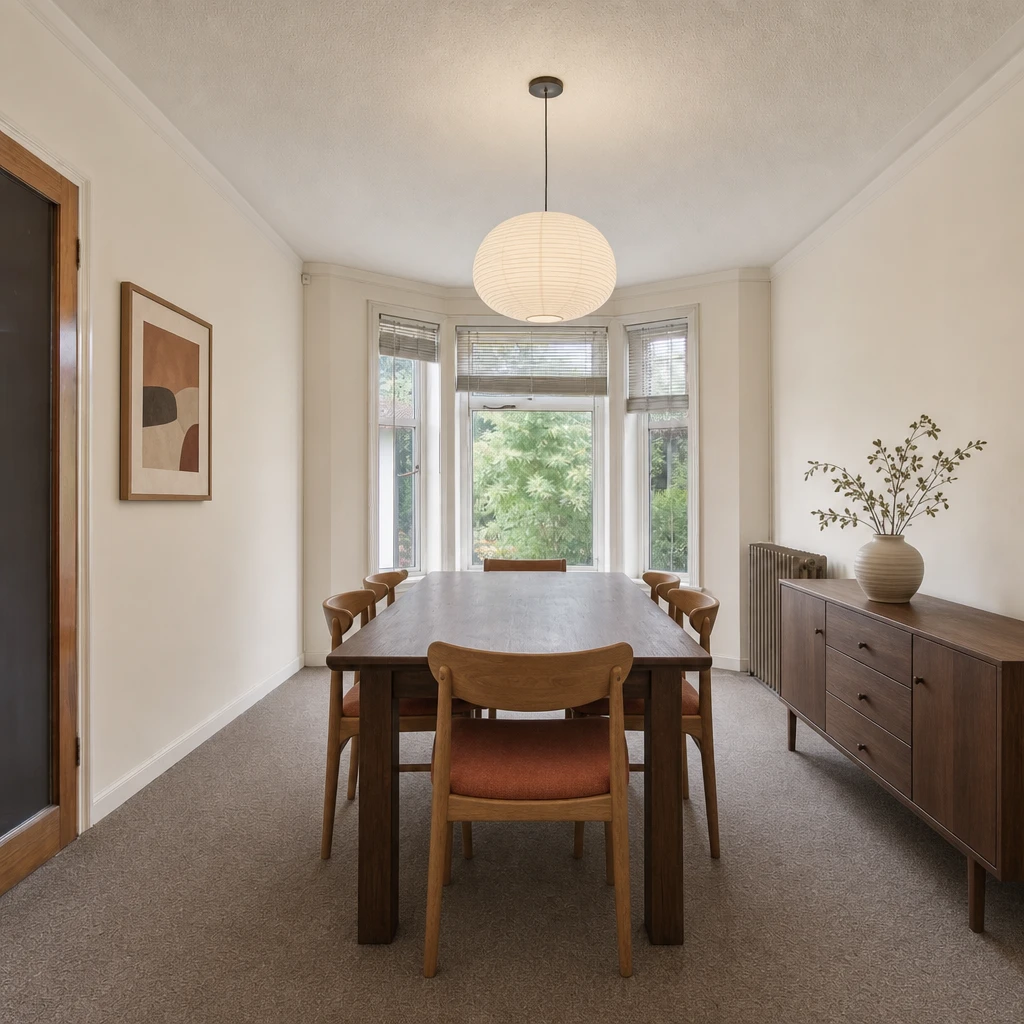 BeforeAfter
Take a photo from the doorway or a corner so the whole room is in the frame, or choose one you already have. Good light helps.
Pick a style from Japandi to Art deco, try a color palette, or write your own note: warmer, lighter, more plants.
Omriss creates an AI design from your photo. Slide between the original and the new look, then refine it or try another direction.
AI for room design starts with the room you already have. You give an AI tool a photo and a direction, and it draws the same space again with different colors, furniture and finishes. The window is still the window. The sofa is somewhere new.
That makes it a quick way to answer the question that stalls most redecorating: would I actually like this? You get an image built from your own room to react to, instead of a board full of rooms that look nothing like yours.
What it is not: a floor plan, a measured drawing or a quote. The result is an idea of a direction. Proportions and small details can shift, so treat every image as inspiration.
In Omriss, a style does most of the talking. The catalog runs from Japandi, Scandinavian and mid-century to Art deco, Wabi-sabi and Quiet luxury, and each one tells the AI which furniture, textures and colors to reach for.
If a style is close but not quite right, change the palette (Oat & moss, Nordic fog, Terracotta and Navy & brass are a few) or add a note of your own. Specific beats vague: “pale oak floor, white walls, one green accent” gives the AI more to work with than “modern”.
A generated room is most useful when it helps you decide something.
A minute of setup pays off, because the photo shapes everything that follows.
Two starting photos and the AI designs made from them. Slide to compare, and notice what stays put: the windows, the light and the shape of each room.
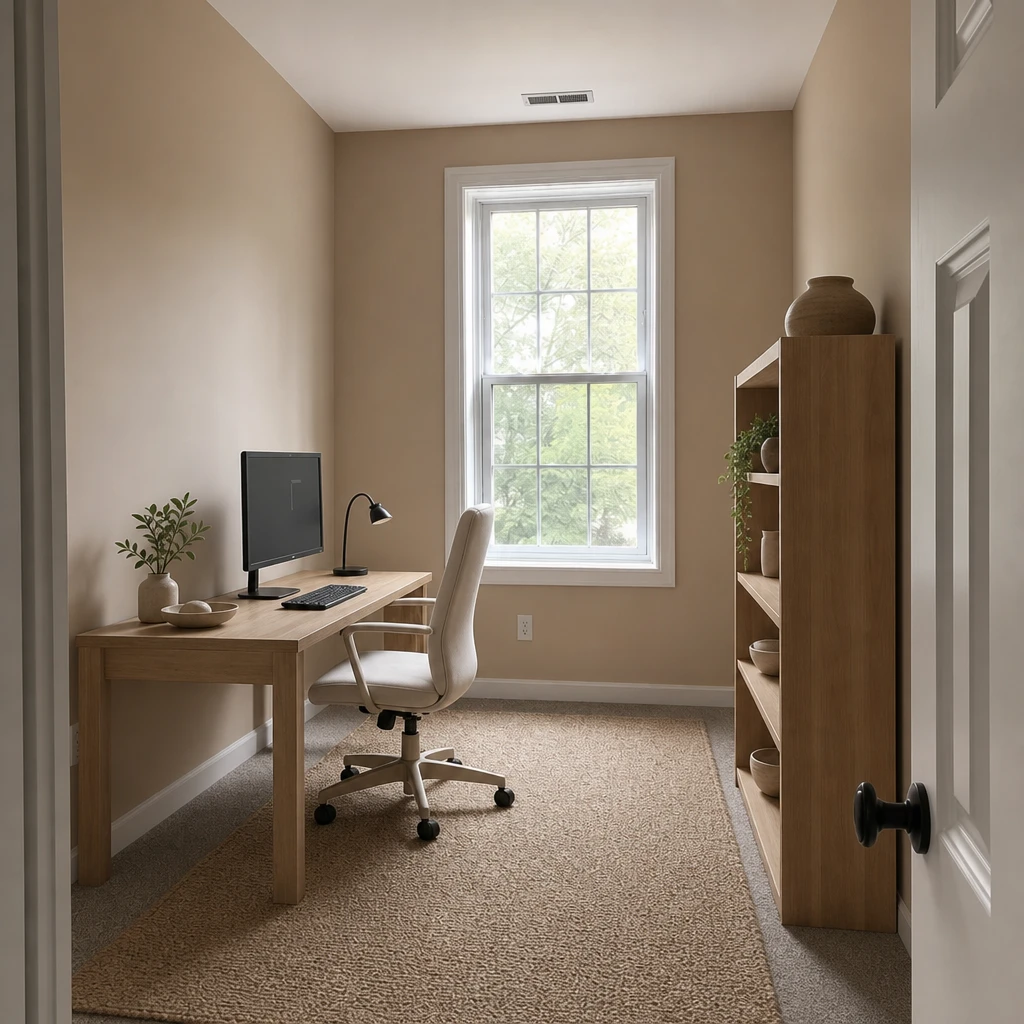
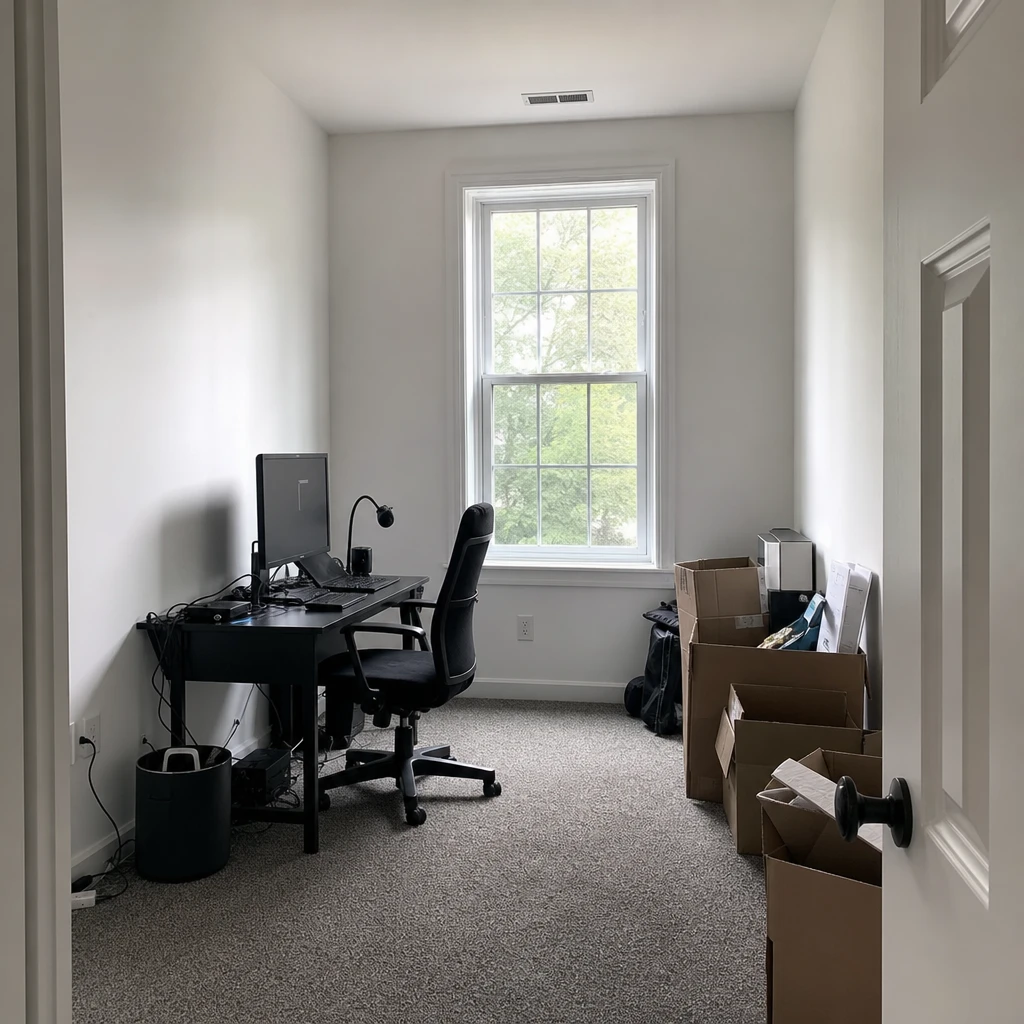
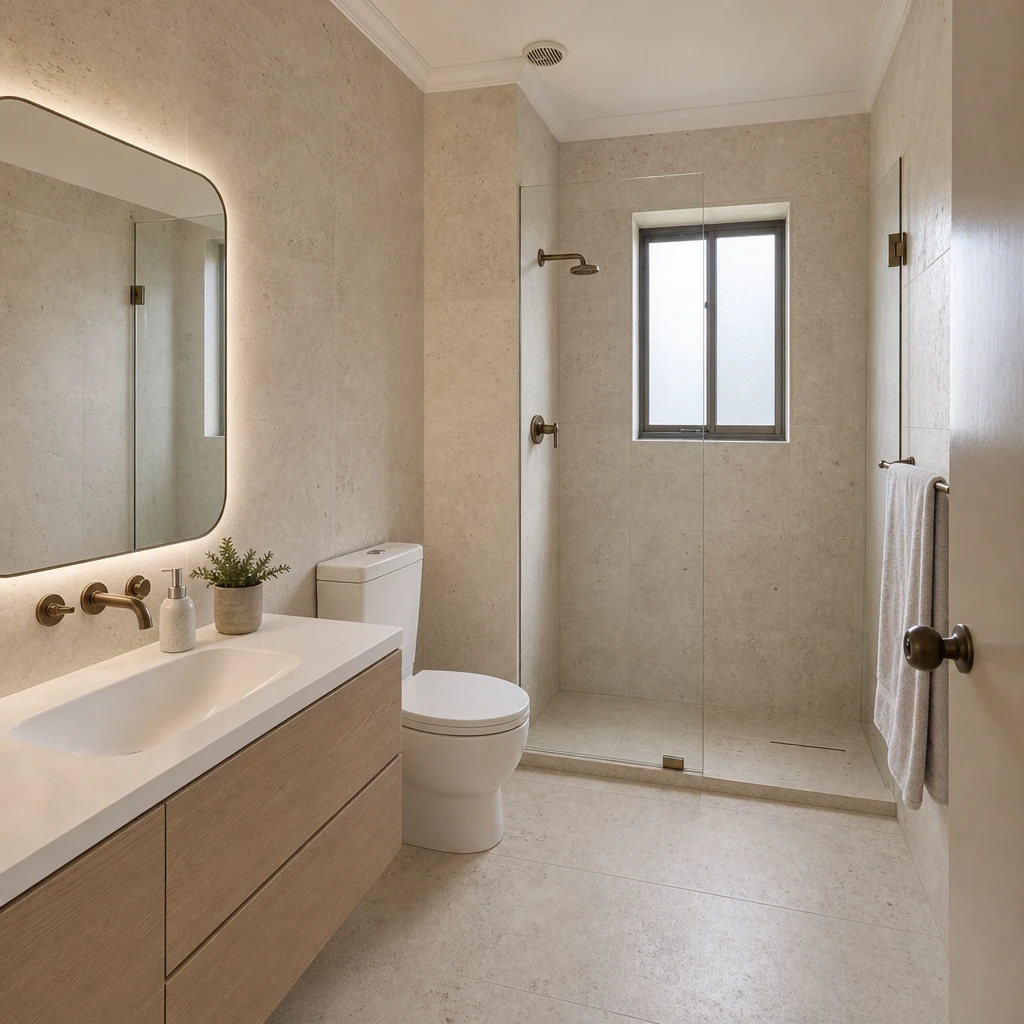
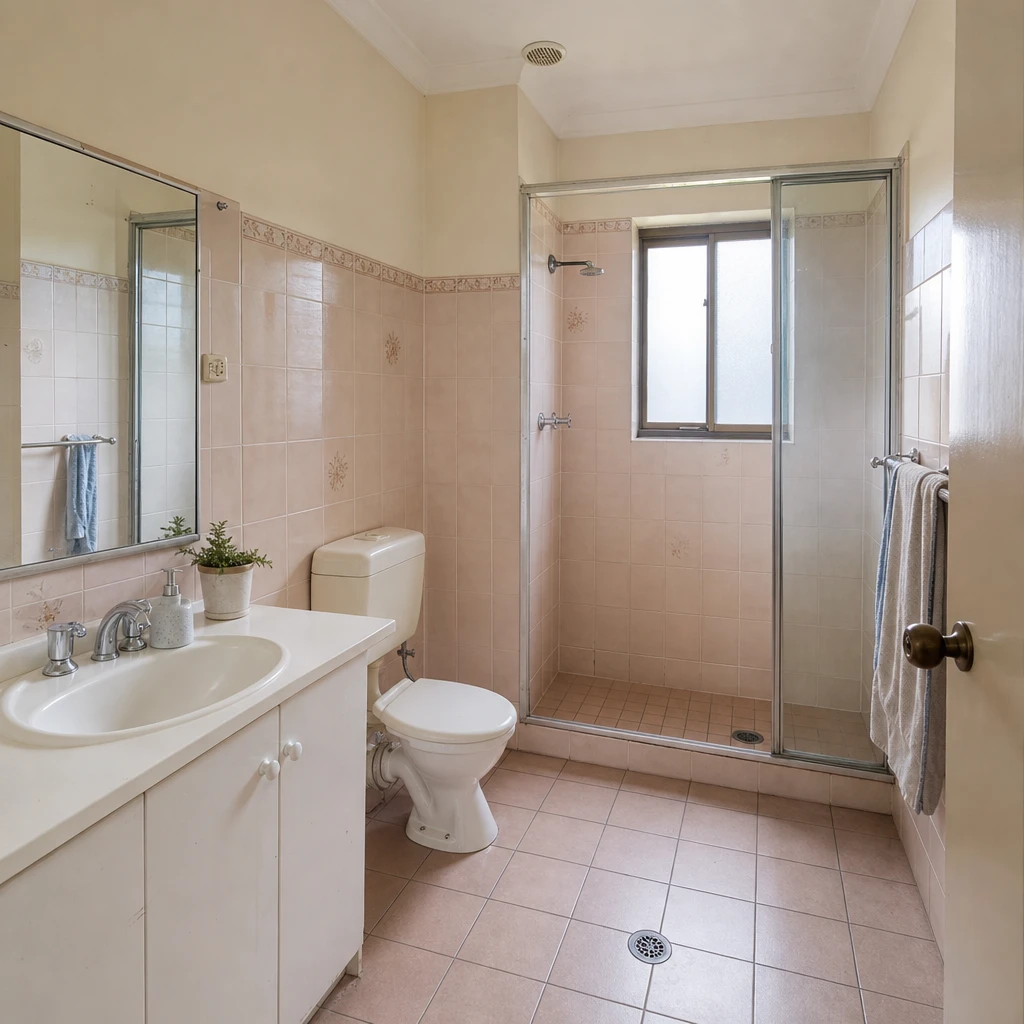
One photo is all it takes to see a new direction. Free to download. Your first 2 makeovers are free.
You give Omriss a photo of a room and a direction: a style, a palette or your own notes. An AI image model then creates a new version of the same room. You can compare it with your original, save it, or try another direction.
No. You choose from visual styles, palettes and options, or describe what you have in mind in plain words. There are no plans to draw and no design software to learn.
Free to download. Your first 2 makeovers are free. After that, you can keep going for free by watching ads.
Your projects and designs are saved on your device. When you use an AI feature, the photos and instructions needed for that feature are sent securely through our service to OpenAI. The privacy policy explains processing and retention.
Treat them as inspiration. Omriss creates illustrative AI images, and generated images can change dimensions or details. They are not measured plans or quotes, so check with a qualified professional before making structural, electrical or plumbing decisions.
Omriss is available on Android through Google Play. For any other platform, get in touch through our contact page.
Open Omriss on your Android phone, take a photo, and see where a new style could take it.
The photos you choose are sent securely for AI processing to create each design. See the privacy policy for details.