
01
Photograph the room.
Take the photo from the doorway or the foot of the bed, with the window in view and the bed made. A tidy bed makes the result easier to read.
Photograph your bedroom, choose a mood, and see an AI design of how it could look. Compare it with the room you wake up in.
Free to download. Your first 2 makeovers are free. Illustrative AI designs, not construction plans.
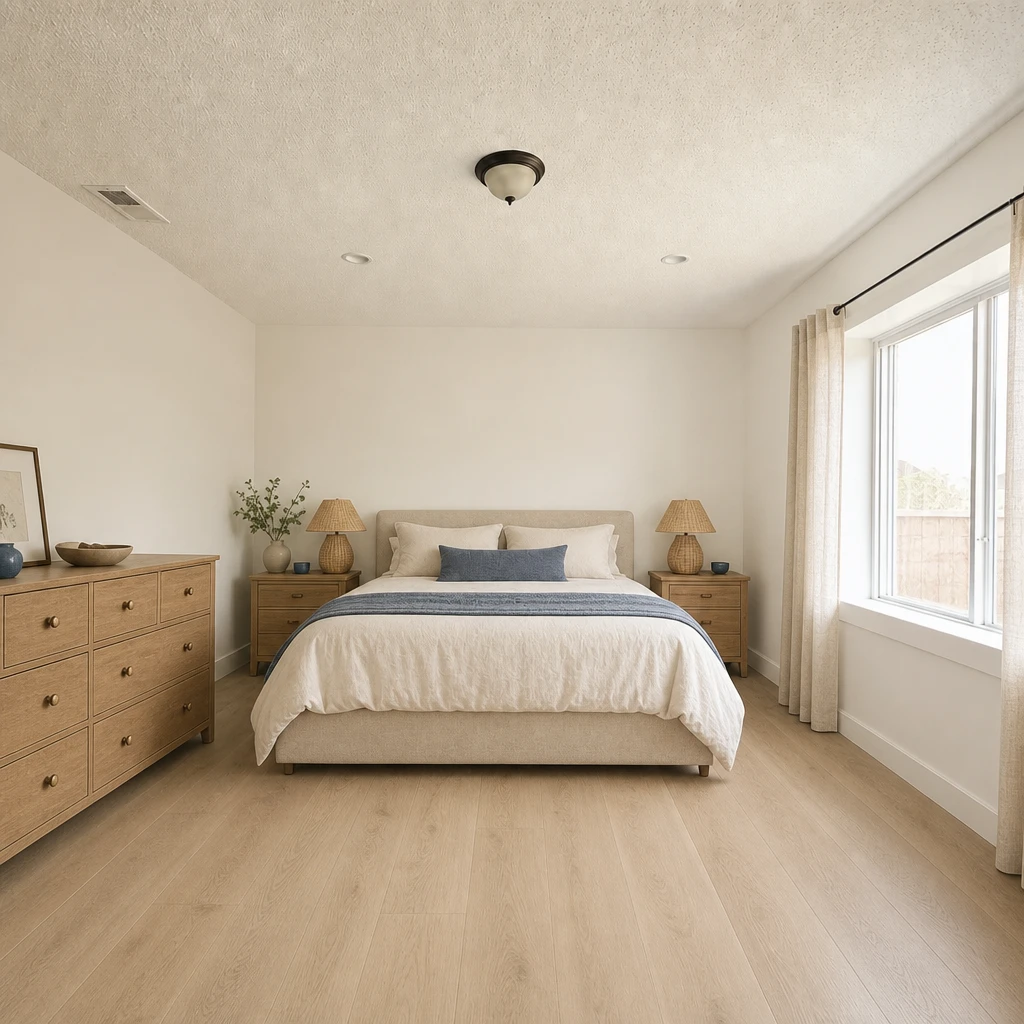 BeforeAfter
Take the photo from the doorway or the foot of the bed, with the window in view and the bed made. A tidy bed makes the result easier to read.
Try a style such as Coastal, Warm minimal or Japandi, or a palette like Linen & walnut or Sea glass. Add a note: “softer, lighter, less clutter”.
Slide between the original and the new look, then change the palette or try another style until the room feels right.
A restful bedroom is mostly about what you stop seeing: fewer competing colors, softer light, and surfaces that are not asking for attention. Walls, bedding and flooring do most of that work, and they are the easiest things to test in a picture.
The example above keeps the same bed position and window. What changes is the palette: navy and grey become warm white, linen and pale oak.
You do not need to decide on a whole style. Start with a palette and see how the room reacts.
Sometimes a bedroom needs a new layout, sometimes only new curtains. Omriss lets you work at different scales: Redecorate for a full change of mood, Remove & Replace to swap a single item, and Remodel to preview a new floor or wall finish. In a bedroom the app suggests items such as the bed, nightstands, rug, lamp and wardrobe.
Start small if you are unsure. Replace the thing that bothers you most and see how much of the room’s feeling it changes.
Use the image to decide on direction, colors and mood. Then shop with your own measurements: a generated bed can look like a size that does not fit your room, and the furniture in a result may not match real products.
For a wider set of ideas, from paint to layout, see bedroom makeover ideas. If you would rather move things around first, try an AI room planner.
The Empty room tool clears furniture and clutter from a photo and keeps the wardrobe, the window and the finishes in view. It is a useful blank page for a bedroom redesign.
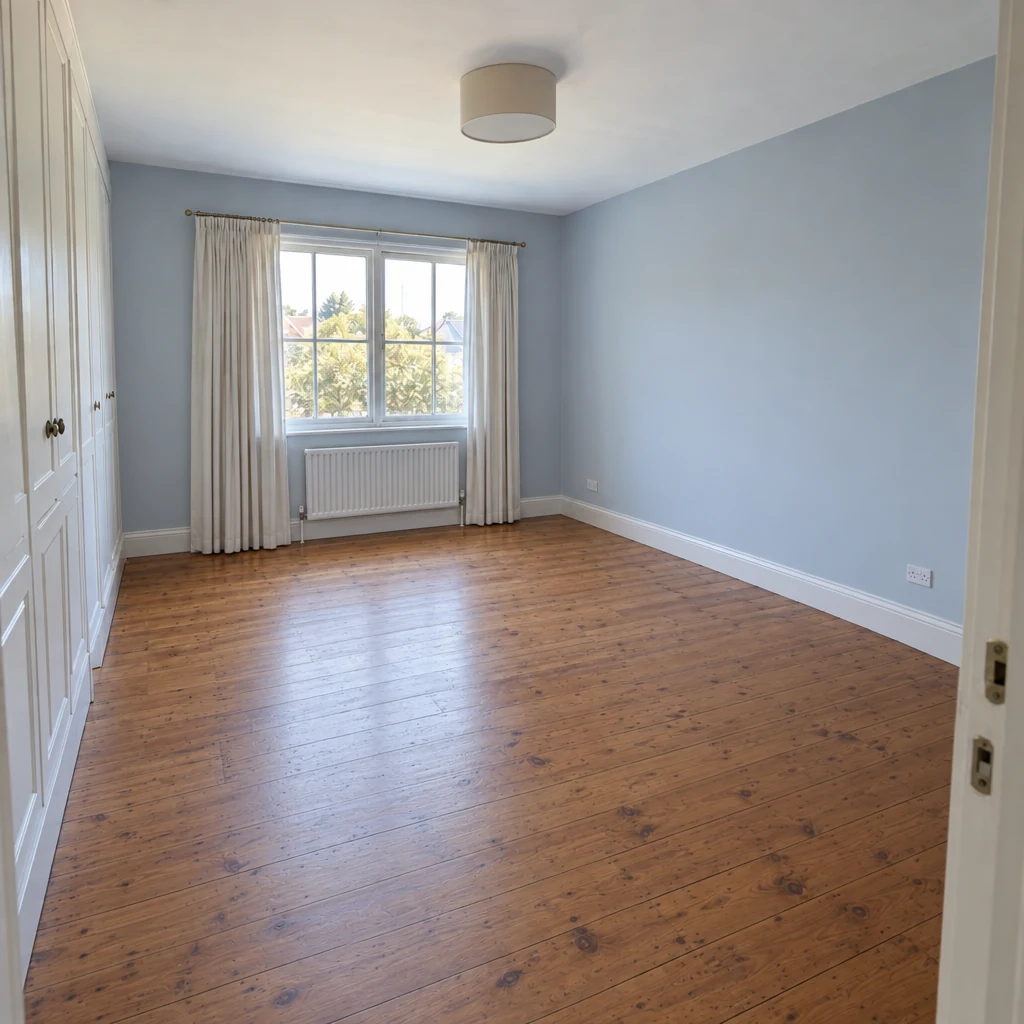
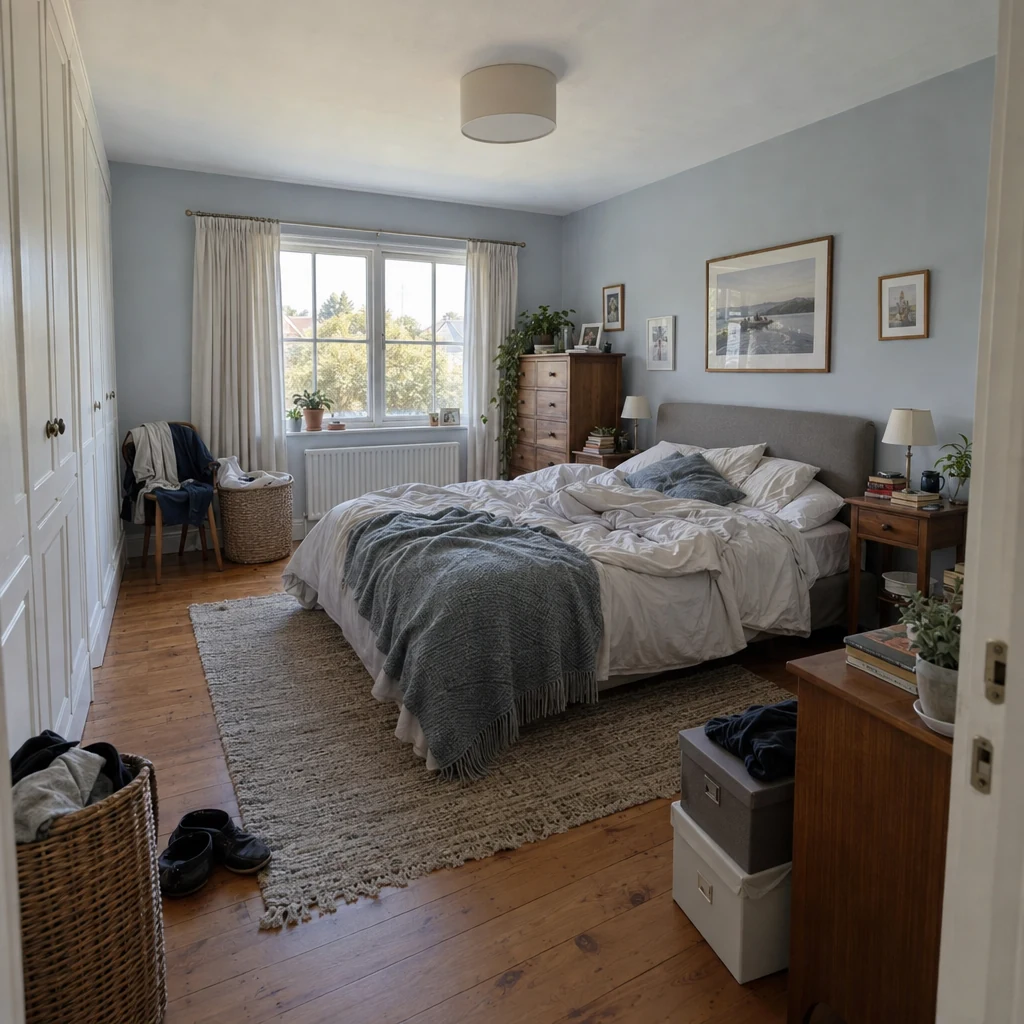
Photograph the room and try a calmer palette before you pick up a paintbrush. Free to download. Your first 2 makeovers are free.
Photograph the room, pick a style or palette, and let Omriss create an illustrative AI design. Then slide between the original and the new look, and refine it or try another direction.
Redecorate lets you keep your current layout or give the room a fresh direction. The Change layout tool suggests other furniture arrangements.
Yes. Redecorate changes the overall mood, and Remodel previews specific finishes such as floors and walls, including named paint colors. Treat the result as a picture and test a real paint sample on your wall before you buy.
Free to download. Your first 2 makeovers are free. After that, you can keep going for free by watching ads.
No. The designs are illustrative AI images, so furniture and details may not match real products or sizes. Use them for direction, colors and mood, then shop with your own measurements.
Photograph your bedroom on Android and try a new palette before you change a thing.
The photos you choose are sent securely for AI processing to create each design. See the privacy policy for details.