
01
Open Omriss and take a photo.
Use the camera or pick a photo from your gallery. A room, a house exterior or a corner of the garden all work.
Omriss turns a photo from your phone into a new room design. Pick a style, compare the result with the original, and keep the ideas you like.
Free to download. Your first 2 makeovers are free. Illustrative AI designs, not construction plans.
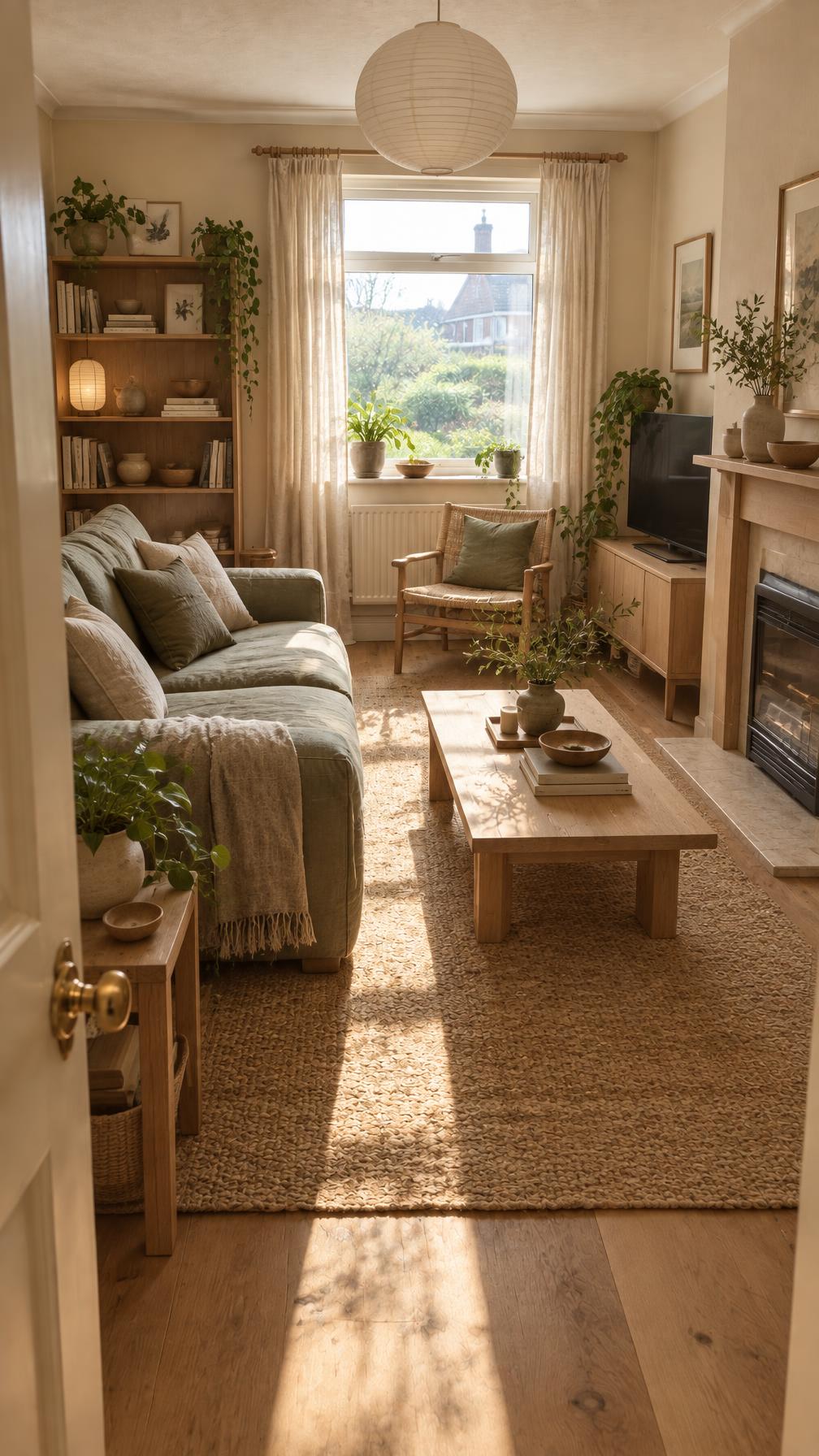 BeforeAfter
Use the camera or pick a photo from your gallery. A room, a house exterior or a corner of the garden all work.
Choose a style and palette with a tap, bring a mood board, or write what you have in mind.
Drag between the before and the after, save the favorites, and come back to them later.
An AI app for interior design starts with a photo of a real room, and the camera that takes it is already in your pocket. In an app the whole loop happens in one place: take the photo, pick a style, compare, save. No uploading files from a laptop, no switching between tools.
Your projects are saved on your device, so you can pick a design up later and show it to someone standing in the room it is meant for. You do need an internet connection to create a new design, because the AI work happens in the cloud.
Omriss is a small toolkit, each tool answering a different “what if”.
Omriss is for people thinking about their own home, not for drawing construction plans. The moments it helps most are familiar ones: you have just moved in and the rooms feel anonymous, you are about to repaint and cannot choose, or there is a corner that never worked.
It also covers house exteriors and gardens, which is handy when the front door needs as much attention as the living room. If you work with homes for a living, there is a separate page on Omriss for professionals.
The designs are illustrative AI images. Furniture, colors and details may not match real products or exact measurements, and generated images can change proportions. Use them to decide what you like, then check with a professional before structural or electrical work.
The photos and instructions needed for each AI design are sent securely to our AI provider. How your photos are handled is explained in the privacy policy.
A bedroom photographed in ordinary daylight, and the AI design made from it. Slide to compare.
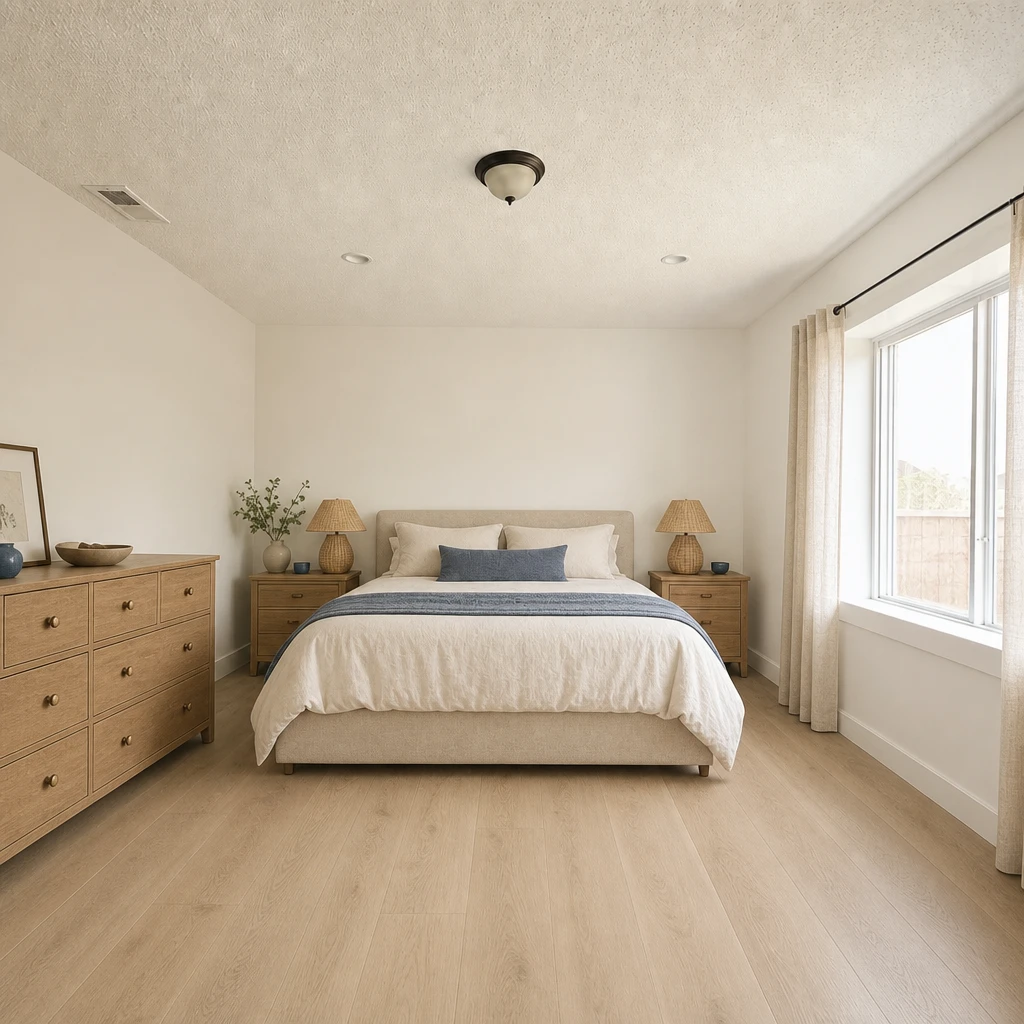
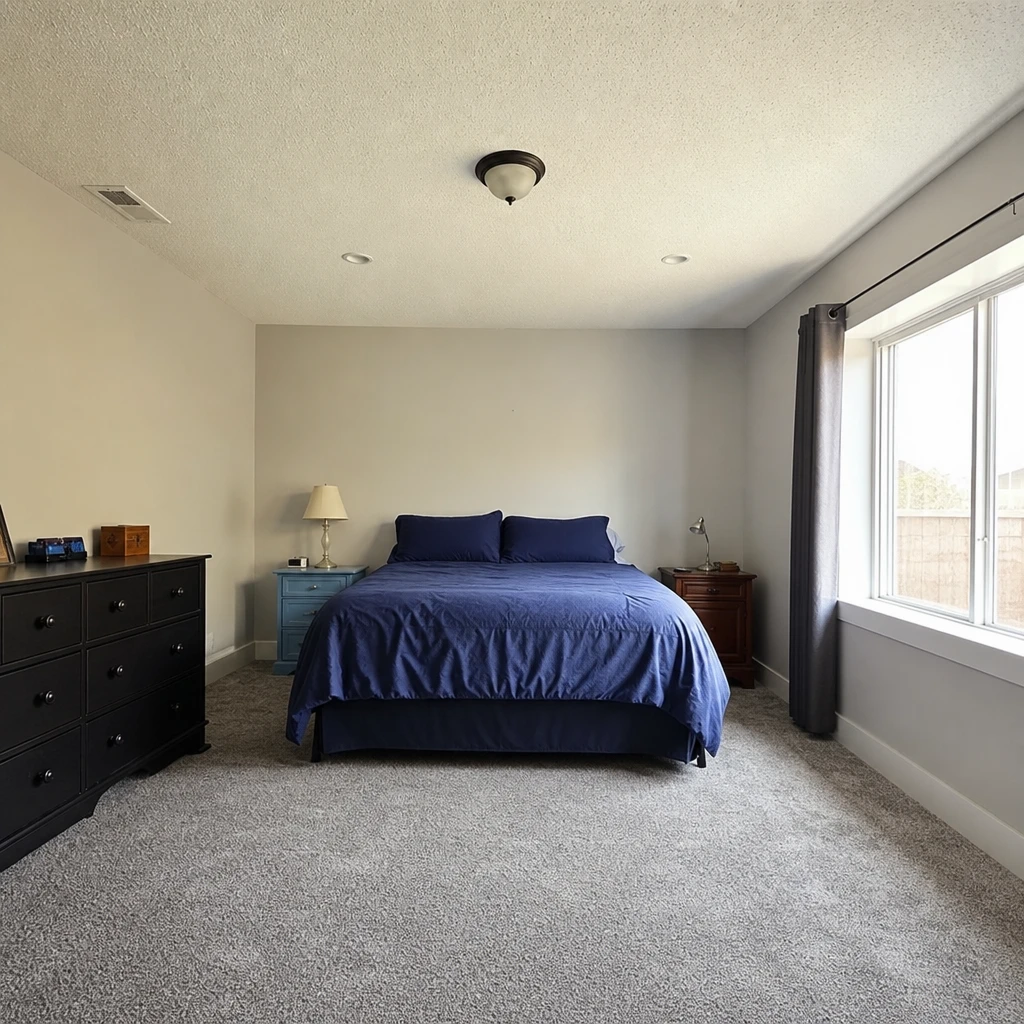
Get Omriss from Google Play and try a style on a room you know. Free to download. Your first 2 makeovers are free.
Yes. Omriss is available on Android through Google Play. There is no iPhone version yet; for any other platform, get in touch through our contact page.
Free to download. Your first 2 makeovers are free. After that, you can keep going for free by watching ads.
You need a connection to create a design, because the AI work happens in the cloud. Your saved projects and designs are stored on your device.
Rooms, house exteriors and gardens. Restyle a room, try a different layout, remove or replace objects, preview new finishes with Remodel, or let Omriss suggest four makeover ideas from one photo.
Your projects and designs are saved on your device. When you use an AI feature, the photos and instructions needed for that feature are sent securely through our service to OpenAI. The privacy policy explains processing and retention.
A room planner needs measurements and builds a model from scratch. Omriss starts from a photo of the real room and creates an illustrative image of a new look. It is for deciding what you like, not for drawing to scale.
Install Omriss on Android, take a photo, and see where a new style could take it.
The photos you choose are sent securely for AI processing to create each design. See the privacy policy for details.