
01
Photograph the bedroom.
Take a photo from the doorway with the bed made and the window in view.
Whether you have a weekend or a whole project, start with what bothers you most and see the effect before you commit.
Free to download. Your first 2 makeovers are free. Illustrative AI designs, not construction plans.
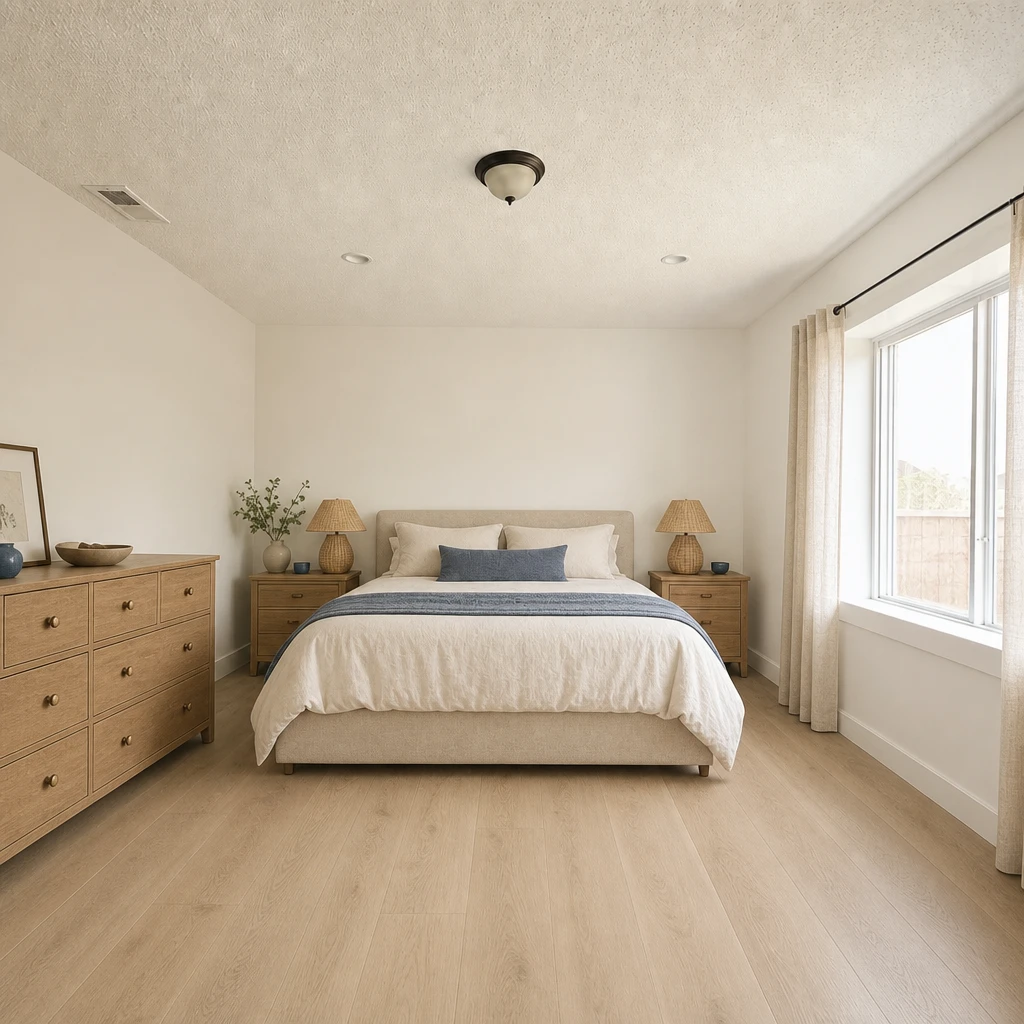 BeforeAfter
Take a photo from the doorway with the bed made and the window in view.
Start with a palette, a floor or a single piece of furniture, and see what it does to the whole room.
Slide between the room today and the idea, decide which parts you want, and plan the order of work.
Before you choose anything, stand in the doorway and name the problem. Too dark? Too cluttered? The bed in the wrong place? A color you have outgrown? A makeover that fixes the actual annoyance feels bigger than one that changes everything.
Write it down. Each idea below answers one of those complaints, and the list tells you where to begin.
It also helps to decide who the room is for. A guest room, a nursery and a couple’s bedroom ask for different things, and a makeover is easier when it answers one clear brief.
Surprisingly few things carry most of a bedroom’s feeling.
Layout: try the bed on a different wall, with space to walk around it, and check what you see from the door and from the pillow. Omriss’s Change layout tool and Empty room tool can help you picture a new arrangement before you drag a mattress anywhere.
Floors and walls: replacing carpet with a wood-look floor, or painting fitted wardrobes the color of the wall so they fade into it, changes a room more than new furniture does. Omriss’s Remodel tool previews floors and wall finishes.
Calm bedrooms usually sit in one of three families: soft neutrals such as warm white, oat and linen; muted greens and blues such as sage or sea glass; or deep, cosy tones such as burgundy, forest or navy. Dark colors can feel wonderful at night and heavy in a small, dim room, so look at them in your own light.
Try colors in a picture first, then put a real paint sample on the wall and look at it in morning and evening light before you buy. The picture is for direction; the sample is for the decision.
Plan the work so you do not undo it.
The Empty room tool clears furniture and clutter from a photo and keeps the wardrobe, the window and the finishes in view. It is a useful blank page for a makeover.
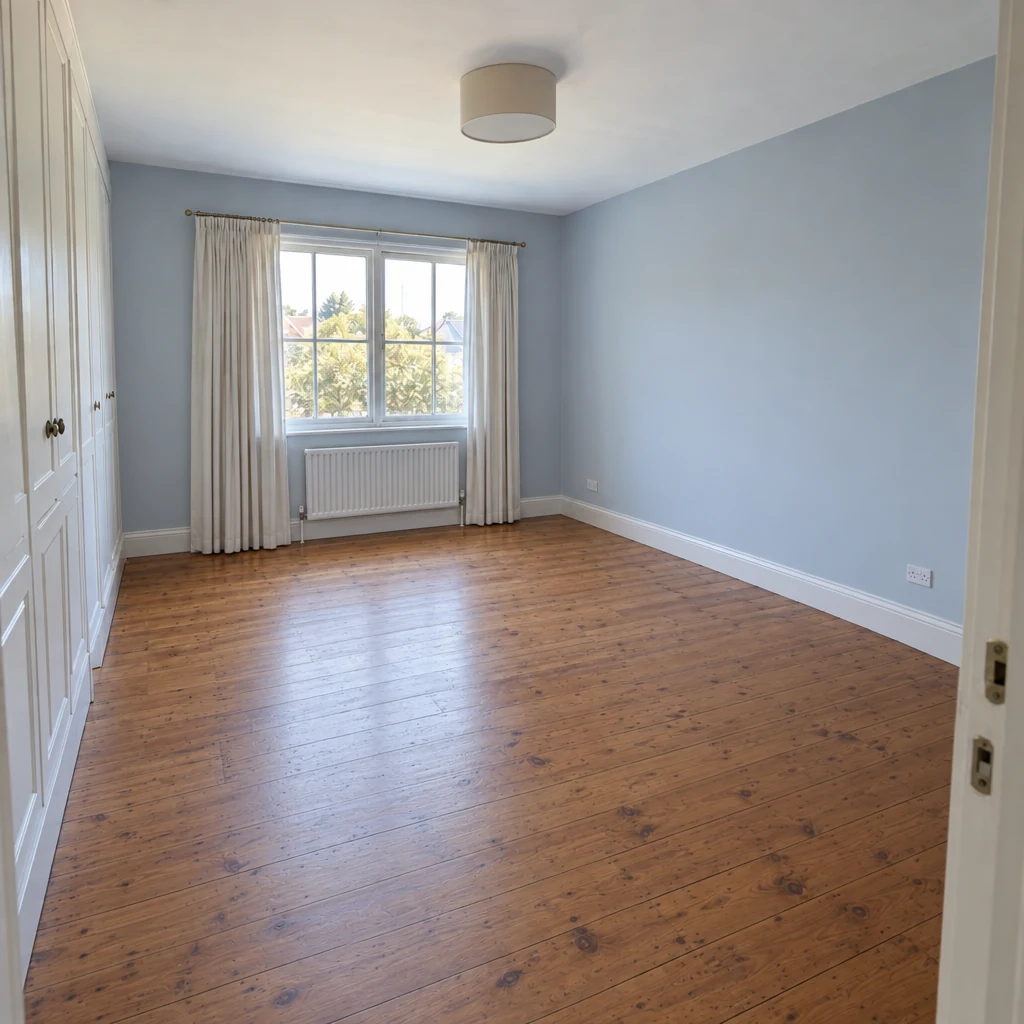
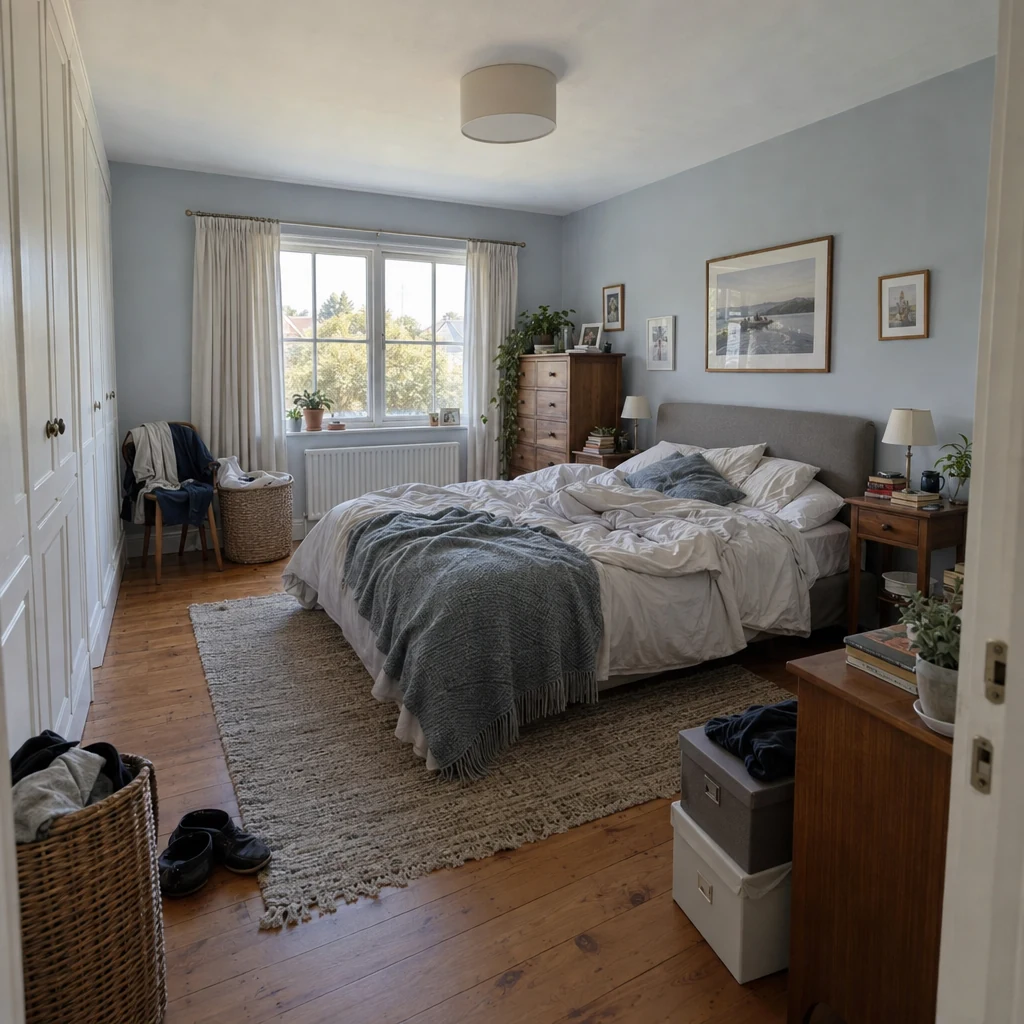
Photograph your bedroom and try a palette or a layout. Free to download. Your first 2 makeovers are free.
Name what bothers you most, then change the cheapest thing that fixes it. Bedding, curtains, lamps and a rug do a lot, and clearing surfaces does even more.
Soft neutrals, muted greens and blues, or deep cosy tones all work. Choose by the light in your room and by how you want it to feel at night, and test a real paint sample first.
Repaint, change the bedding and curtains, add a rug, swap the lamps and clear the surfaces. Moving the bed to a different wall can also change the room completely.
Usually against a solid wall, with space to walk on both sides and a clear view of the door and window if you can manage it. Try a layout on a photo with an AI room planner before you move anything heavy.
Yes. Omriss lets you photograph the room and try palettes, styles and finishes, then compare with the original. It is an illustrative AI image; see AI bedroom design.
Use light colors on the walls and ceiling, keep the floor visible, choose a low-profile bed or one with storage beneath, hang curtains high and limit the furniture to what you use daily.
Open Omriss on Android and see a calmer version of your room.
The photos you choose are sent securely for AI processing to create each design. See the privacy policy for details.