
01
Photograph the front.
Stand across the street or at the gate and take a straight-on photo with the whole facade and roof in view.
Photograph the front of your house and try new colors, cladding, windows and a front door. Compare each idea with your house today.
Free to download. Your first 2 makeovers are free. Illustrative AI designs, not construction plans.
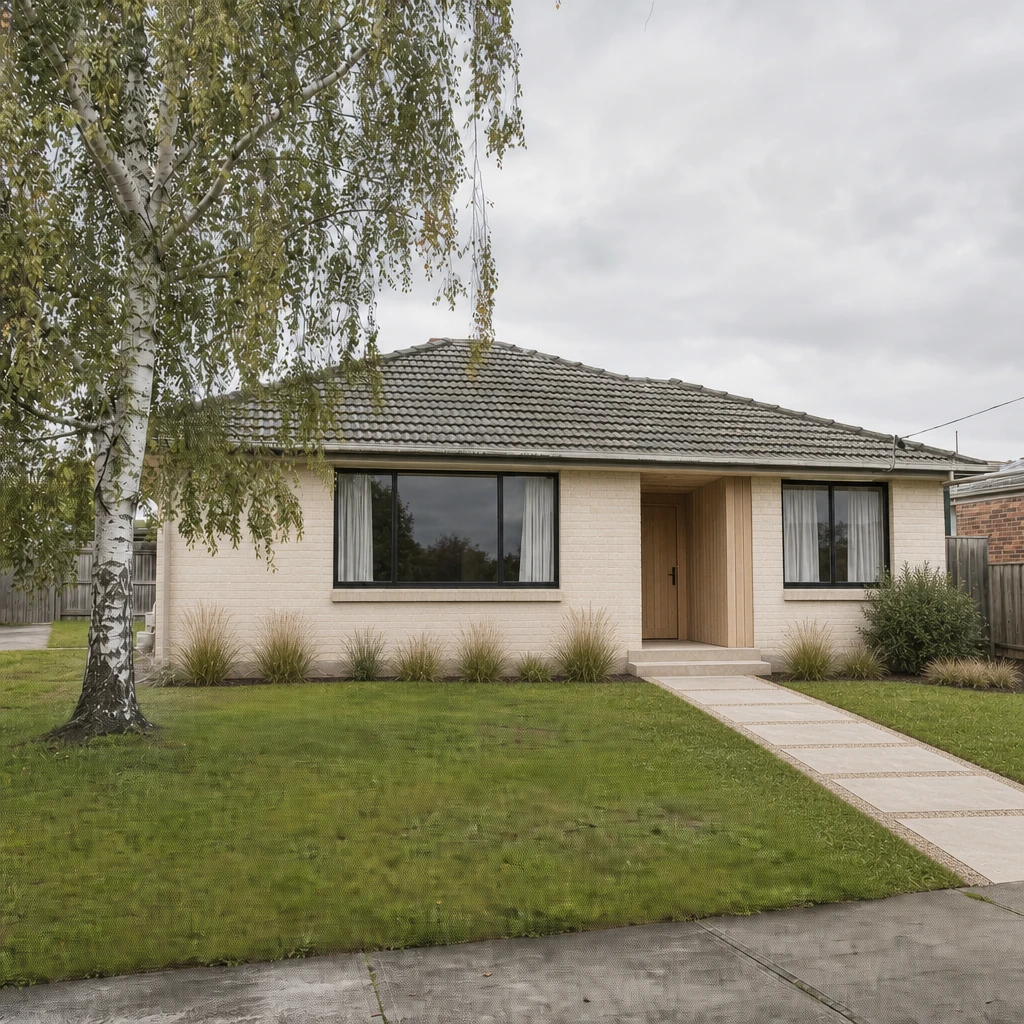 BeforeAfter
Stand across the street or at the gate and take a straight-on photo with the whole facade and roof in view.
Start with a style such as Modern farmhouse, Scandinavian or Craftsman, then adjust the roof, windows, siding, doors and porch one by one.
Slide between your house today and the new design. Try a different facade color or door, and compare again.
If you want to design a home exterior, most of it comes down to five things: the walls, the roof, the windows, the door and what grows in front. They affect each other, which is why they are hard to choose one by one from a swatch. Seeing all five together on your own house is the point of an exterior design tool.
Omriss treats them as parts you can change separately: Roof, Windows, Siding, Doors and Porch, each with its own shapes and materials.
If you are not sure what you like, start from a style and refine it. Omriss includes exterior styles such as Modern farmhouse, Scandinavian, Craftsman, Mediterranean, Cottage, Victorian, Georgian, Mid-century, Coastal, Tudor, Japandi, Mountain cabin and Industrial.
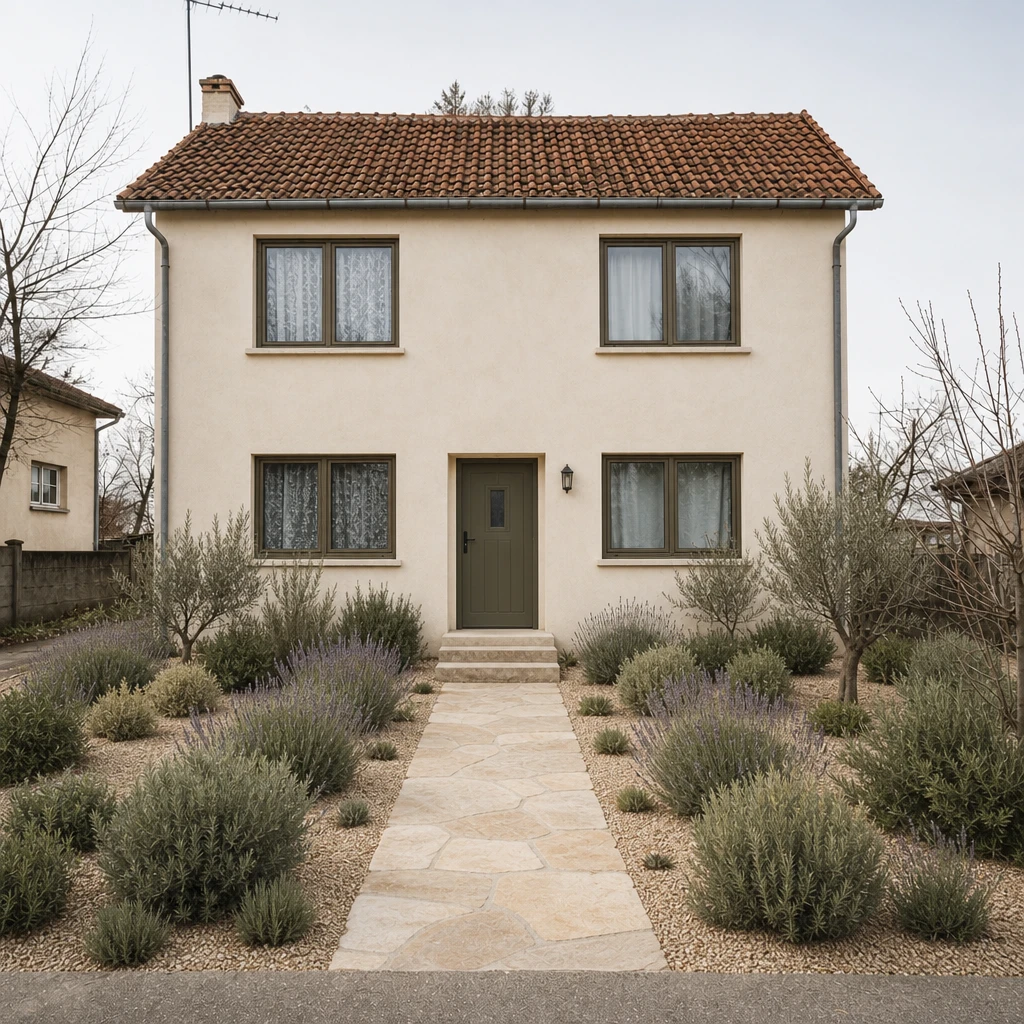
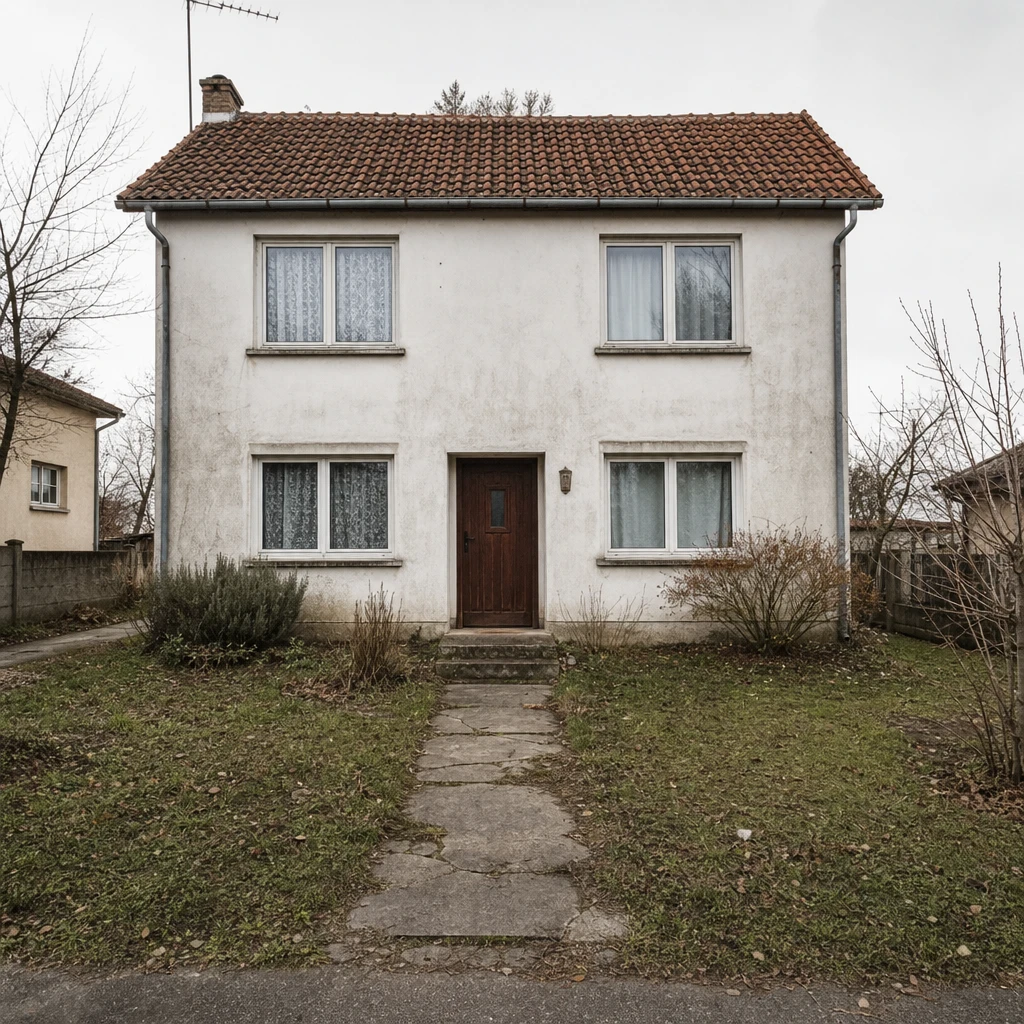
The examples on this page show two quite different results: a warm Nordic look for a brick bungalow, and a Mediterranean makeover for a plain rendered house. Exterior home design styles compares them in more detail.
The exterior catalog includes:
An AI design shows appearance, not feasibility. It does not know about planning rules, building regulations, structural limits or what a roof can carry, and some changes need permission in some places. Use the picture to decide what you want, then talk to a qualified professional and your local authority before you commit.
If you are after a 3D exterior design with exact dimensions, you need architectural software or an architect. Omriss gives you an illustrative image from a single photo, which is faster and far less precise.
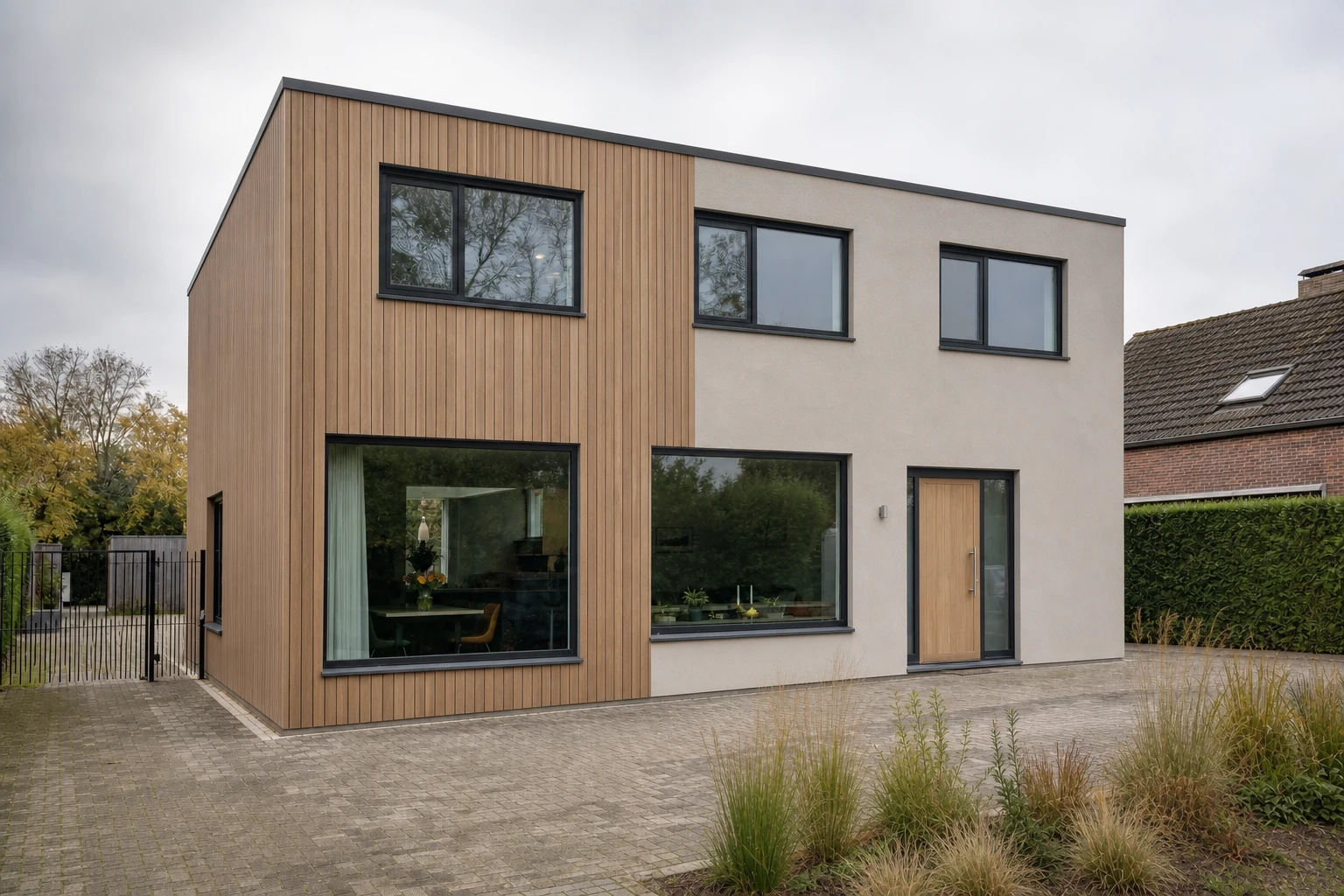
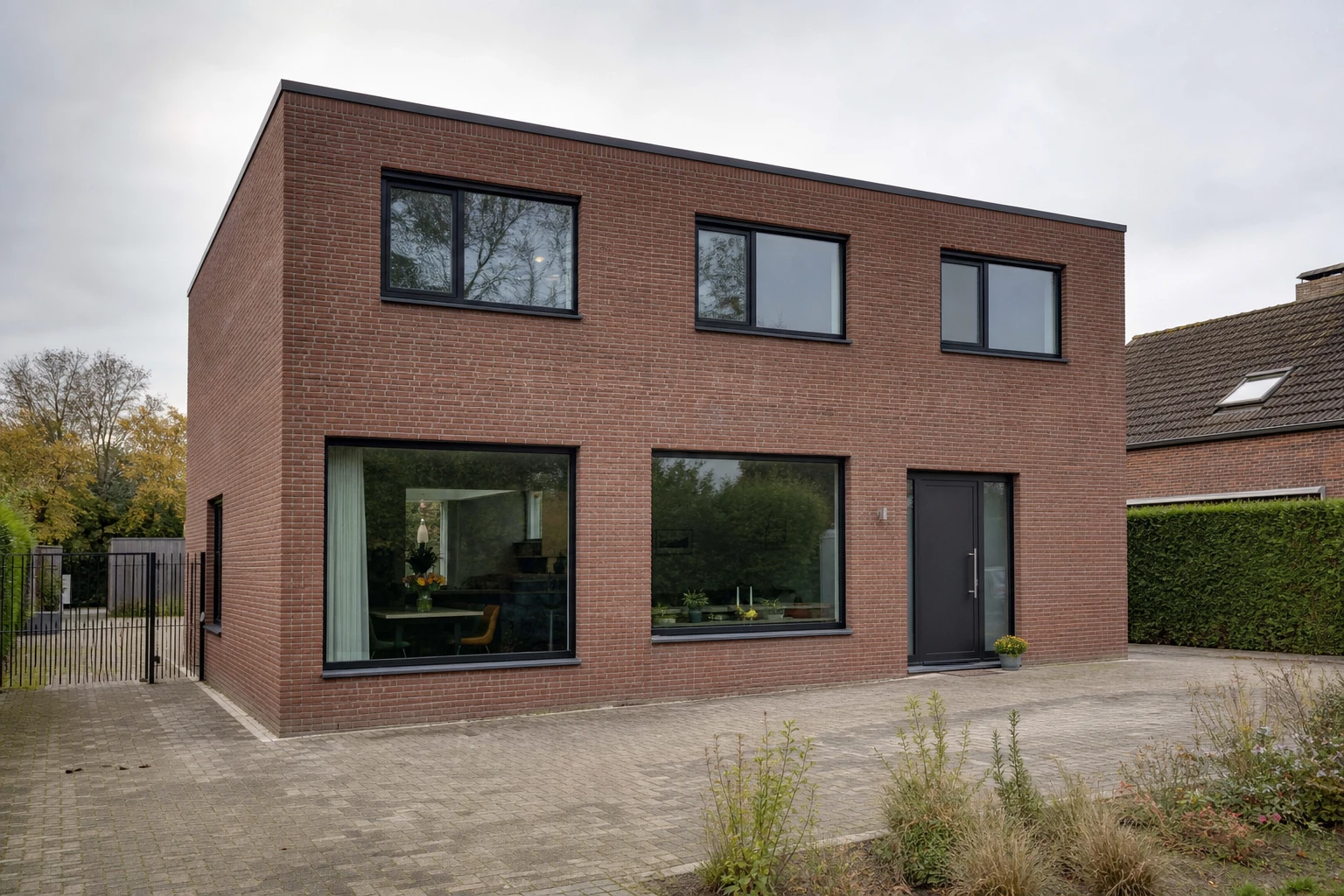
A plain rendered house given a Mediterranean makeover, and a flat-roofed brick house with timber and render. Slide to compare.
Photograph your house and compare a few facades. Free to download. Your first 2 makeovers are free.
It can create an illustrative image of your house with new colors, cladding, roof, windows and door from a photo. It is a visual idea, not an architectural drawing.
No. Omriss works from a single photo and creates an image, not a 3D model. For exact dimensions you need architectural software or a professional.
Yes. The exterior tools let you change the roof, windows, siding, doors and porch separately, each with its own shapes and materials, and compare the result with your original photo.
Omriss cannot tell you. Rules about facades, windows, roofs and colors vary by place and by property, so ask your local authority or a qualified professional before you start.
Free to download. Your first 2 makeovers are free. After that, you can keep going for free by watching ads.
Omriss also designs gardens. See front yard landscaping ideas and AI garden design.
Photograph your house on Android and try a new front before you pick up a brush.
The photos you choose are sent securely for AI processing to create each design. See the privacy policy for details.