
01
Start with the listing photo.
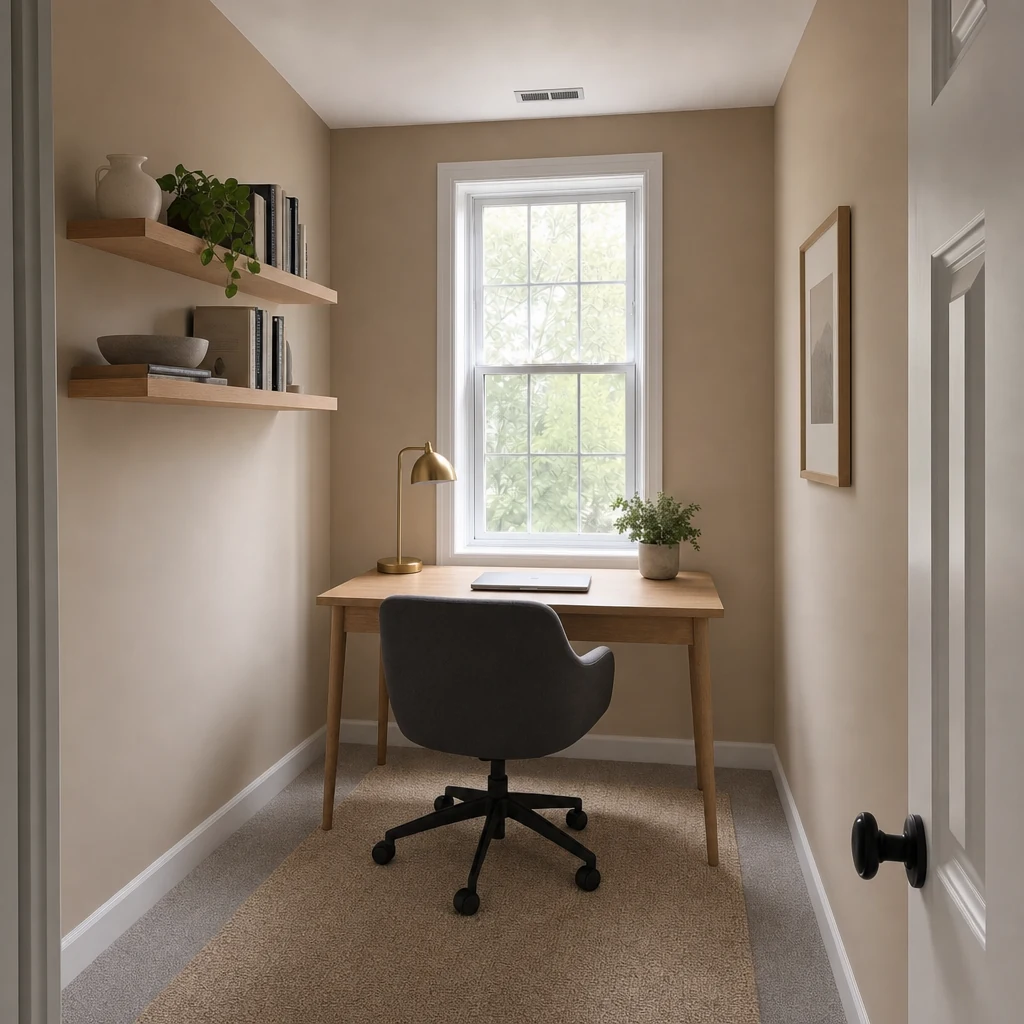
Use a straight photo of the room as it is, empty or occupied. Keep the original: you will want it next to the result.
Show an empty room furnished, or a cluttered one cleared, from a single photo. Illustrative concepts for agents, owners and sellers.
Free to download. Your first 2 makeovers are free. Illustrative AI designs, not construction plans.
 BeforeAfter
Use a straight photo of the room as it is, empty or occupied. Keep the original: you will want it next to the result.
Empty room removes furniture and belongings from a photo. Redecorate can then show a style and furnishing direction.
Put the concept beside the original photo and mark it clearly as a digitally altered image.
Virtual home staging, sometimes called AI virtual staging, means showing a room furnished without moving a single sofa. It helps buyers read the scale and purpose of an empty room, and it helps the owner of an occupied home show the space without the clutter.
It is a communication tool, not a promise. A staged image is a concept: the furniture is not included, and the room should always be shown honestly as it is.
Omriss is a phone app for quick, illustrative concepts. For a property, that means:
Many listing platforms and regions have rules about digitally altered photos, and buyers trust listings that are open about them. Label every staged or cleared image clearly, keep the original photographs available, and check that the image preserves the property’s real condition and fixed features.
Do not use a concept to hide defects, change the apparent size of a room or imply that furniture is included. Check the rules that apply where you are selling.
It suits owners preparing a sale, agents who want to discuss possibilities with a client, and anyone with a spare room and an open mind. It is not a replacement for professional photography or physical staging, and it does not produce listing-ready, rule-compliant imagery on its own.
If you work with homes professionally, see Omriss for professionals for facade, interior and landscaping workflows, or talk to us about your listings.
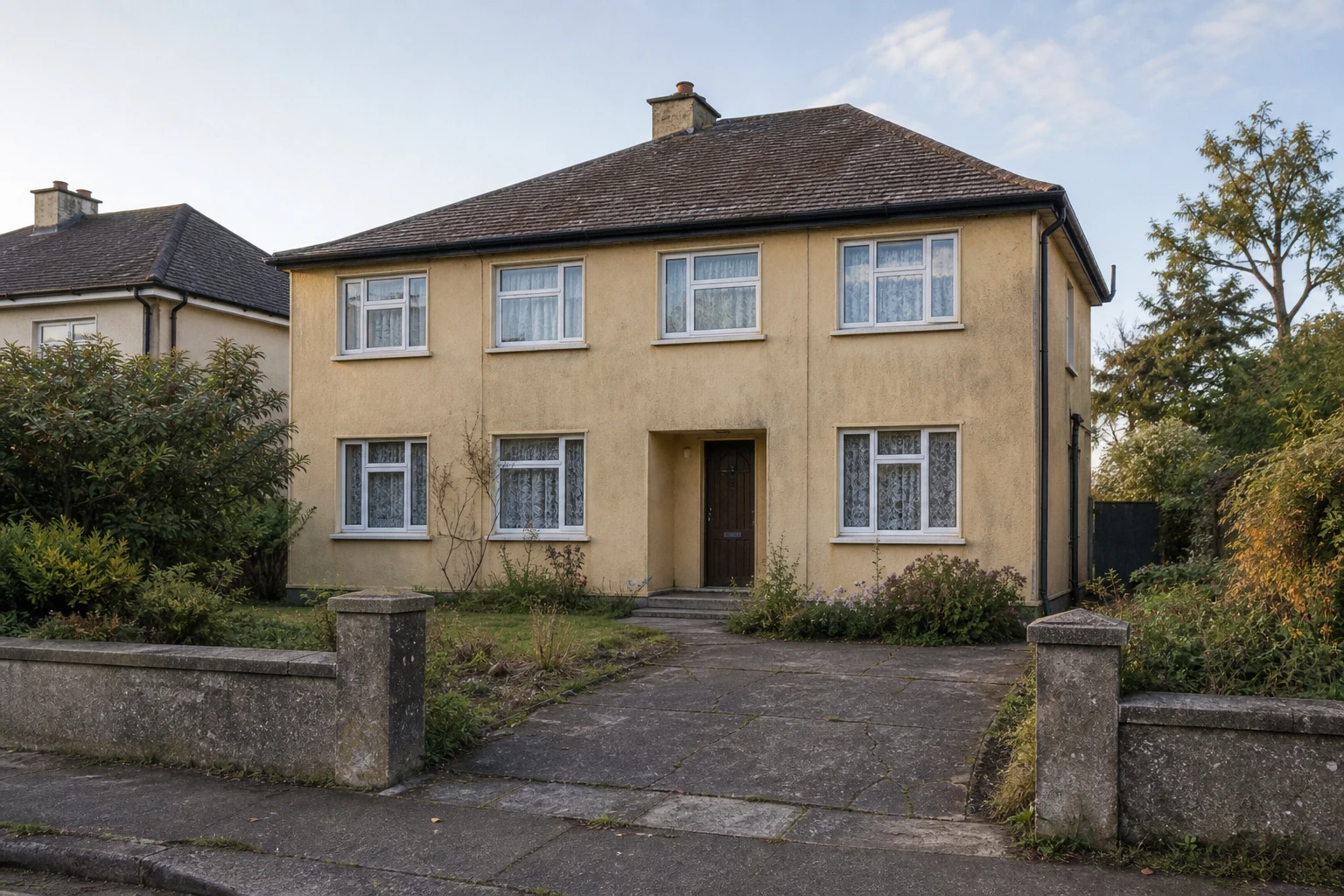
Two illustrative examples: a lived-in living room cleared of furniture, and a house given a new facade.
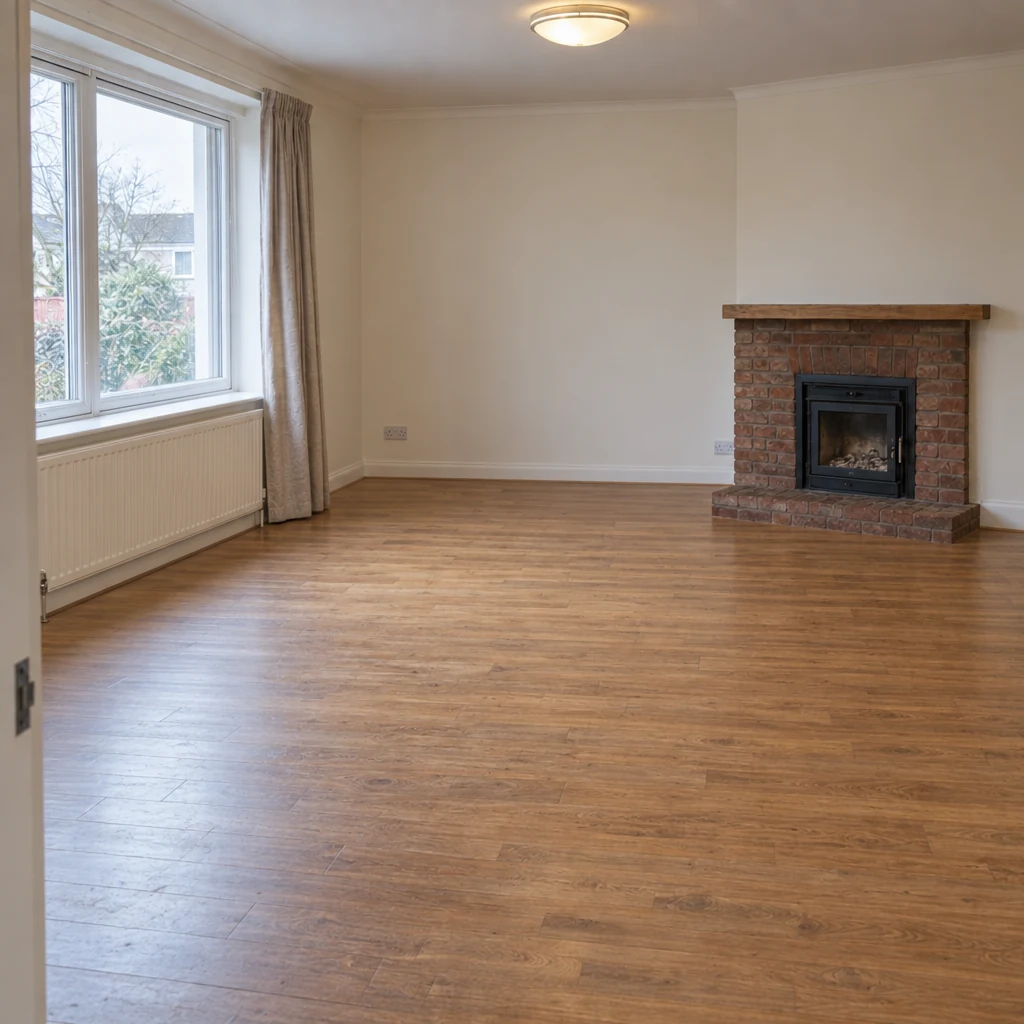
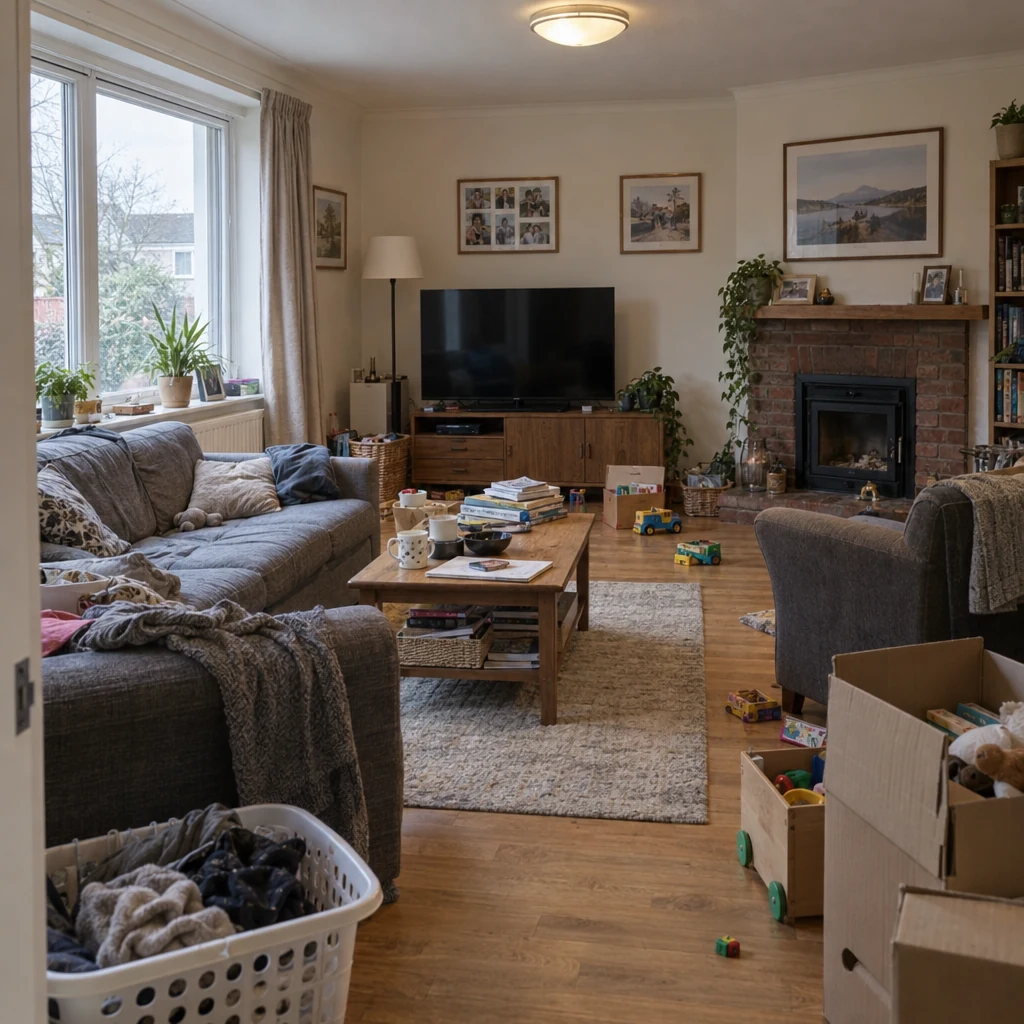
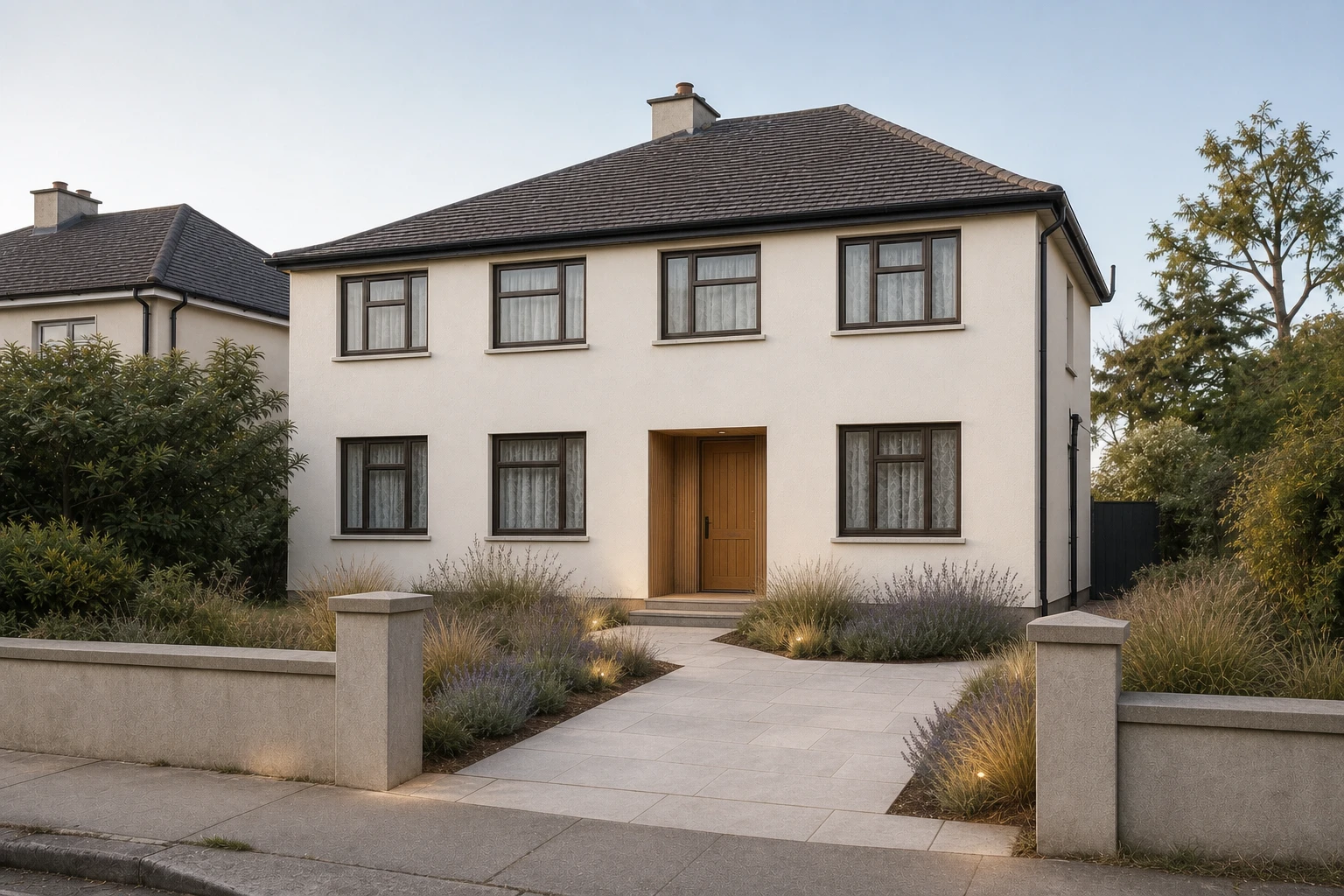
Photograph a room and see it cleared or furnished. Free to download. Your first 2 makeovers are free.
Using AI to show a room furnished or cleared in a photo, without moving any real furniture. In Omriss the Empty room tool clears furniture from a photo, and Redecorate can show a furnishing and style direction.
Rules differ by platform, region and agency, and many expect edited images to be clearly labeled. Check the rules where you are selling, label every concept, and keep the original photos available.
Yes. The Empty room tool removes furniture and belongings from a photo. Keep the original and label the result as a digitally cleared concept.
Treat them as illustrative concepts for conversation, not final listing photographs. Generated images can change details, so check that an image does not misstate the property.
Free to download. Your first 2 makeovers are free. After that, you can keep going for free by watching ads.
The professionals page shows how agents and designers use Omriss for facade, interior and garden concepts, and you can get in touch about your workflow.
Install Omriss on Android and try a cleared or furnished room from your own photo.
The photos you choose are sent securely for AI processing to create each design. See the privacy policy for details.