
01
Input: a photo.
Your photo is the anchor. The generator works from the room in it, rather than inventing one.
Give Omriss a photo and a direction, and it generates a new design of your room. Here is what goes in, and what comes out.
Free to download. Your first 2 makeovers are free. Illustrative AI designs, not construction plans.
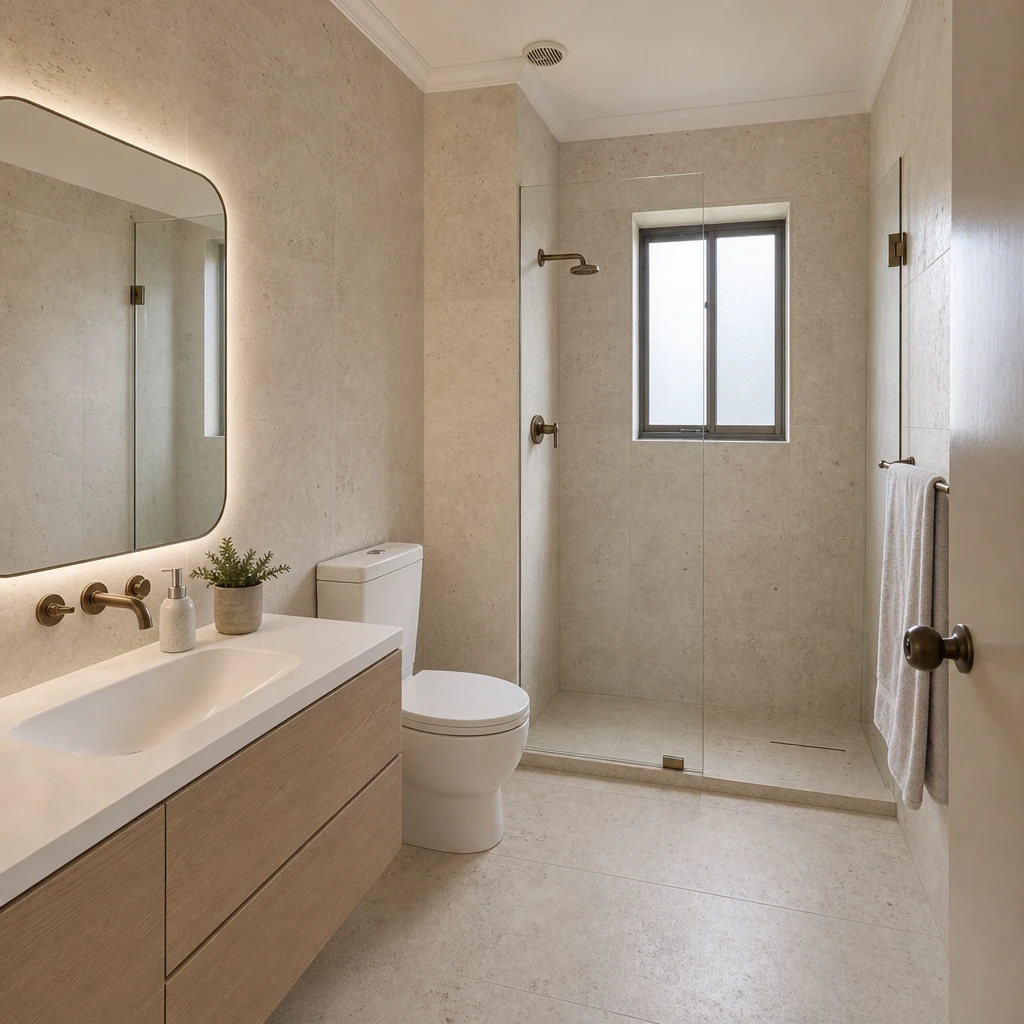 BeforeAfter
Your photo is the anchor. The generator works from the room in it, rather than inventing one.
A style, a palette, finishes, or your own words. Whatever you choose is turned into instructions for the AI.
You get an image of your room in the new direction, with the original one slide away. Generate again to explore another.
An AI room design generator has two inputs and one output. The inputs are an image of a real room and a description of the look you want. The output is a new image of that room, redrawn to match.
Describing the look is easier than it sounds. In Omriss you rarely start from a blank text box: you tap a style, a palette or a finish, and the app turns those choices into the instructions the AI needs.
Each choice in the app carries a short description. Pick Japandi and the AI is told to aim for low-profile light oak furniture, linen and paper textures, matte ceramics, paper lanterns, muted earthy tones and uncluttered surfaces. Pick Quiet luxury or Boho and it reaches for a different set of cues.
That is why two styles on the same photo look so different, and why adding a note of your own works: it is one more instruction in the same list.
Reimagine generates four makeover ideas from one photo, so you can compare different directions side by side and follow the one that feels most like you.
For a nudge in words, the app offers ready-made directions: Warm oak, Plaster & linen, Dark accent wall, Gallery corner, Green retreat, Soft colour, Vintage finds, Bold pattern, Stone & steel and Cosy cabin.
A few habits make any AI design tool more useful:
A traditional living room photographed from the doorway, and the generated design. Slide to compare.
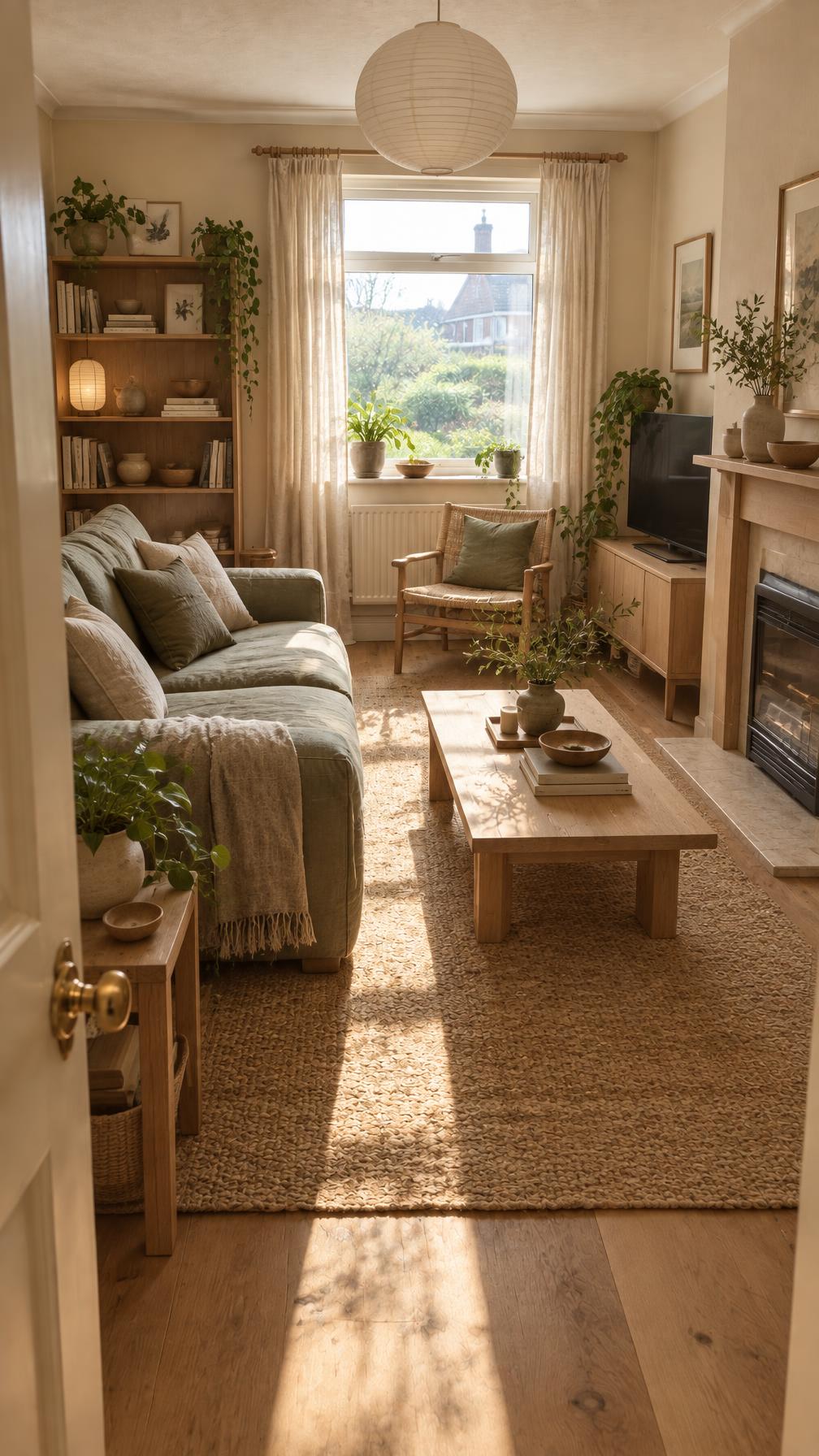
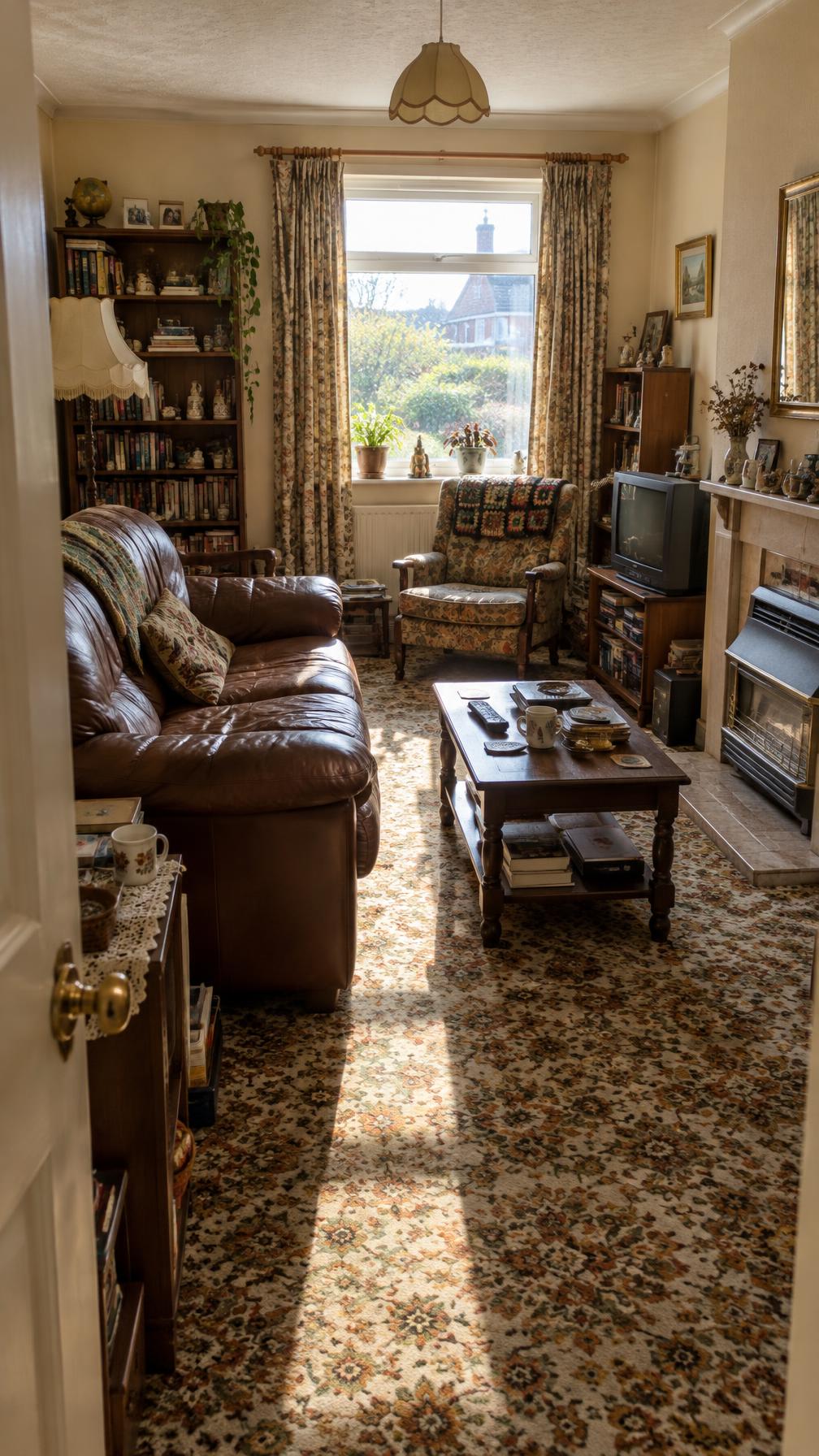
One photo and one direction is all the generator needs. Free to download. Your first 2 makeovers are free.
A tool that creates a new image of a room from a photo and a description of the look you want, a bit like an AI room designer that works from your own photo. Omriss turns your choices of style, palette and finish into instructions for the AI and shows the result next to your original.
No. You can pick a style, a palette or a finish, and Omriss writes the instructions for you. If you want to add something, you can type your own notes.
Not necessarily. AI generation can vary from one run to the next, which is useful: try again to explore another version of the same direction.
The photos and instructions needed for each design are sent through our service to OpenAI for processing. The privacy policy describes what is shared and how long it is kept.
Free to download. Your first 2 makeovers are free. After that, you can keep going for free by watching ads.
Open Omriss on Android, add a photo and pick a direction.
The photos you choose are sent securely for AI processing to create each design. See the privacy policy for details.